

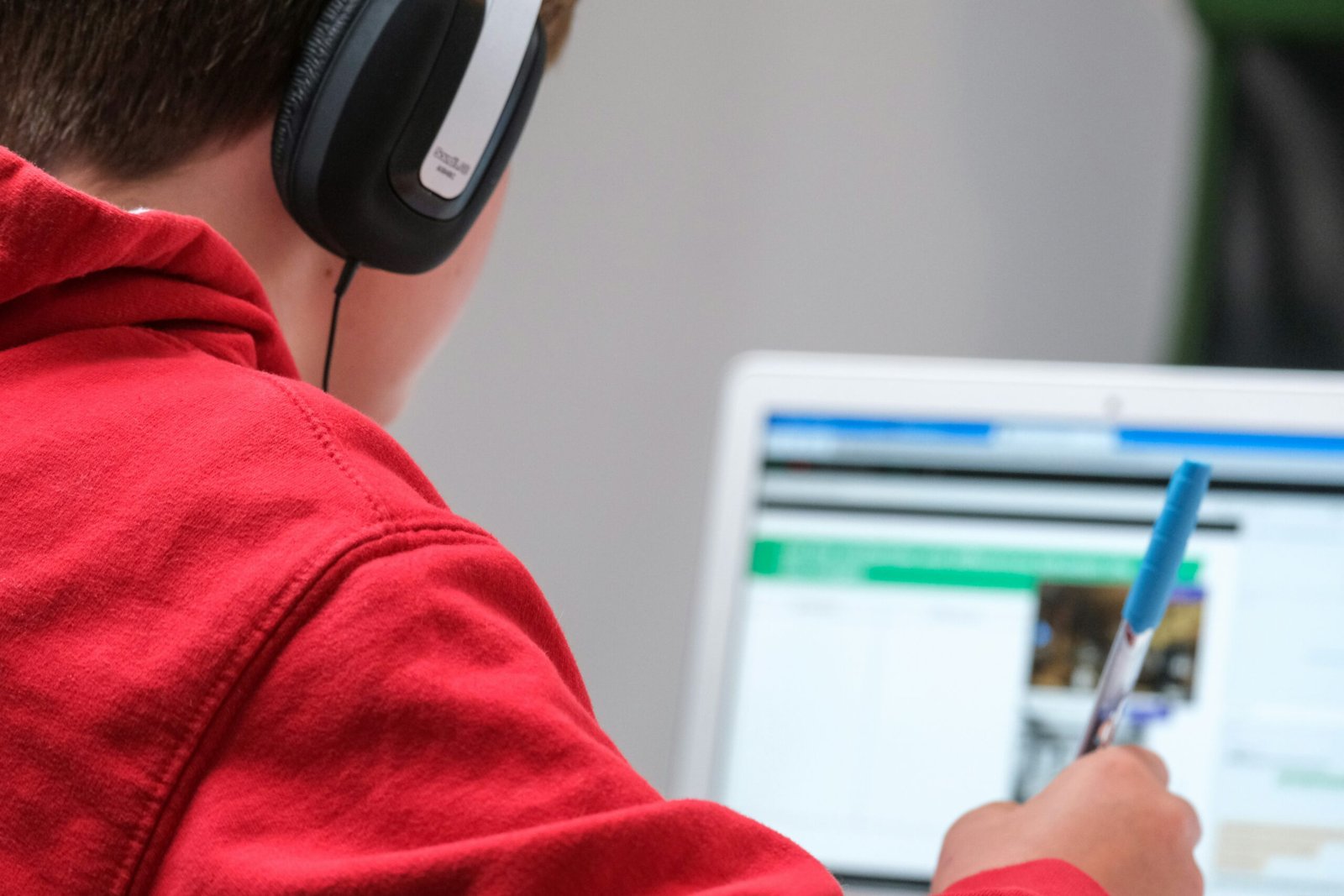
Remote education careers include licensed teaching, tutoring, academic support, instructional design, training development, learning-platform support, assessment and program operations. They do not share one credential or one daily schedule. Choose the learner and problem first, then verify qualification, jurisdiction, privacy, accessibility, live-session and outcome expectations. A strong application demonstrates an accessible learning objective, activity and assessment—not just familiarity with a video meeting tool.
What to verify
- Identify whether the role is teaching, tutoring, advising, curriculum, instructional design, training, assessment, platform support or operations.
- Confirm the learner population, subject, grade or professional context and whether a license, degree, certificate or background check is required.
- Check the permitted work location, school or client jurisdiction and rules for serving learners across boundaries.
- Clarify live versus asynchronous delivery, time zone, class schedule, office hours, workload and availability expectations.
- Review the employer’s student-data, approved-tool, recording, accessibility, safeguarding and escalation practices.
- Verify the organization, recruiter domain, program, requisition and application route before sharing records or completing unpaid work.
Create a claim ledger with the claim, direct URL, source owner, publication/update date, access date, scope or jurisdiction, confidence and unresolved question. Recheck volatile facts on release day. When the evidence does not establish a condition, state “not established” rather than filling the gap.
Evidence or implementation framework
- Learning objective: audience, observable behavior, condition, standard and reason.
- Learning design: prior knowledge, explanation, practice, feedback, assessment and transfer.
- Accessibility check: structure, keyboard access, captions, contrast, alternatives and plain-language support.
- Privacy workflow: necessary data, approved channel, access, retention, consent and escalation.
- Outcome evidence: completion, assessment, learner performance, satisfaction or operational result with limitations.
- Portfolio artifact: short lesson, storyboard, assessment rationale or support workflow using invented or authorized material.
For every example use context, responsibility, method or control, observable result, limitation and verifier. Separate fact, scenario and inference. Remove confidential employer, client, candidate, health, security or financial data. A smaller defensible example is more useful than a large unverified claim.
Practical application or implementation steps
- Choose one learner group and one education problem you can credibly address.
- Compare three target postings and record common credential, schedule, tool, privacy and accessibility requirements.
- Create a small accessible artifact with an objective, activity, assessment, feedback plan and explanation of tradeoffs.
- Rewrite résumé bullets around learner need, design or delivery action, collaboration and measured result.
- Verify every institution or platform through official channels and distinguish employee from contractor terms.
- Prepare interview examples about adaptation, difficult feedback, learner access, data handling and a failed lesson or support decision.
- Ask how quality is reviewed, what tools are approved and how learner or guardian concerns are escalated.
A useful first-hour output is one completed evidence matrix or decision table. Include a stop condition: an unverified source, unclear scope, inaccessible mandatory step, sensitive-data exposure or a conclusion that reverses under reasonable assumptions.
Safety, accessibility and trust
Do not expose student records, names, grades, disability information, recordings or proprietary curriculum in a portfolio. Obtain required consent and use approved systems. Never imply a teaching license, child-safeguarding clearance or subject credential you do not hold. Use independently reached official domains. Never pay an individual for recruitment, equipment, training, identity checks or account recovery; never share passwords, one-time codes or unrestricted identity files. Provide keyboard-accessible controls, clear headings, descriptive links and text alternatives. Material medical, legal, tax, employment, privacy or security decisions require accountable qualified review.
Engagement checklist
The reader should leave able to state the current answer in one sentence, identify three relevant factors and two unknowns, save at least four direct sources with dates, complete one evidence or decision row, name a safety or methodology stop condition and choose one next step plus review date. Measure purposeful checklist completion rather than raw scrolling.
Primary and official sources
- U.S. Department of Education — FERPA: https://studentprivacy.ed.gov/ferpa
- W3C — Web Content Accessibility Guidelines: https://www.w3.org/WAI/standards-guidelines/wcag/
- BLS — Training and development specialists: https://www.bls.gov/ooh/business-and-financial/training-and-development-specialists.htm
- FTC — Job scams: https://consumer.ftc.gov/articles/job-scams
Access date: 2026-08-09. These sources establish only the scoped facts described in this package. They do not collectively prove a live vacancy, individual eligibility, guaranteed outcome, universal causal effect or current compensation.
FAQ
Do all remote teaching jobs require a license?
No, but public-school and regulated roles can; tutoring, training and design roles have different requirements. Verify the exact duties and jurisdiction.
What should an instructional-design portfolio show?
Show the learner problem, objective, design choices, accessible artifact, assessment and what evidence would demonstrate success.
Can I reuse student work as a sample?
Only with valid authorization and proper privacy protection; a synthetic example is usually safer.
Is asynchronous education schedule-free?
No. Deadlines, feedback windows, meetings, support coverage and learner time zones can still govern the work.
Choose your next step
Keep your momentum with practical tools and verified remote-work opportunities.
Related guides for your next step
A fresh, topic-aware mix from the WorkinVirtual library. Suggestions rotate regularly.






Discuss this guide
Ask a useful question, share relevant experience, or add a practical correction. Helpful contributions publish immediately after automated safety checks.
Start a thoughtful discussion
Be the first member to add a question or practical insight about this topic.
Join the discussion
Sign in with your verified WorkinVirtual account to contribute. Automated safety checks keep posting quick and protect the community.
Sign in to contribute