


A Smarter Way to Personalize Your Google Search Results
Keeping up with breaking tech updates can be overwhelming because of the flood of stories appearing from every corner of the internet. Google has now introduced a feature that helps you take control of your news feed. Called Preferred Sources, it allows you to highlight the publishers you trust most, ensuring their stories appear more often in the Top Stories carousel.
Why Preferred Sources Change the Game
Instead of scrolling through endless results, you can now prioritize the outlets that deliver accurate and timely updates. This not only saves time but also helps reduce the noise from less reliable sites. Imagine searching for the latest smartphone release and instantly finding in-depth coverage from your favorite tech publishers rather than having to filter through dozens of links.

How to Add Your Go-To Tech Sites
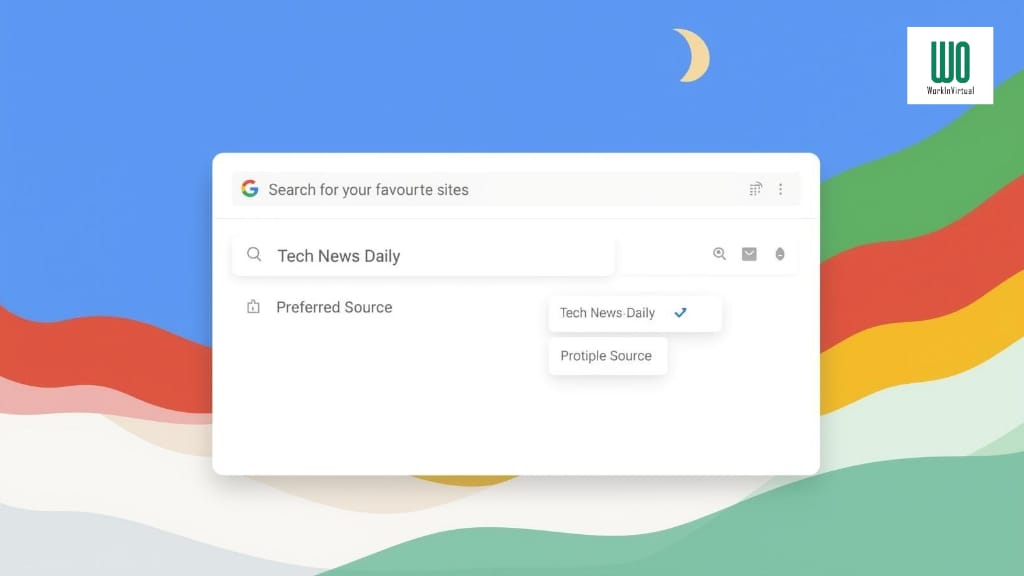
Setting up Preferred Sources is simple. If you are in the US or India, where the feature is rolling out first, you can adjust your preferences directly through your Google Search settings. Just look for the new star-shaped icon in the Top Stories section. Tapping it opens a panel where you can search for your favorite publishers and select them as go-to sources.
Once you confirm your choices and refresh the page, your Top Stories feed will immediately start reflecting your selected outlets. That means more updates from the sites you value and fewer distractions from the ones you do not.
Getting the Most Out of the Feature
To maximize the benefit, choose sources that consistently provide expert analysis and fact-checked reporting. For tech enthusiasts, it might mean such platforms that cover breaking launches, product reviews, and exclusive deals daily. If you also rely on Google News, you can follow these same outlets there for even more tailored updates across devices.
The Future of News Feeds Looks More Personal
Preferred Sources represents Google’s latest step toward giving users more control over the type of content they consume. With personalization now at the heart of search, you can expect faster access to trustworthy reporting and less frustration sorting through irrelevant stories.