

Deleted Chats Are Not Lost Forever. Simple Reinstall Recovers Crucial Messages From Cloud Backup.
Losing an entire chat history on a messaging platform feels like a modern catastrophe. For the over 2.9 billion global users of WhatsApp, a misplaced tap can instantly delete years of conversations, photos, and vital information. It is an unnecessary digital shock. A straightforward recovery method, dependent on the user’s existing cloud backup, exists for both Android and iPhone users. The key to regaining lost messages involves a quick, strategic application reinstall.
Read More: WhatsApp’s New Username Search Could Change How We Connect Forever
The Cloud is Your Safety Net
Modern cloud services are the foundation of this recovery process. WhatsApp uses Google Drive for Android devices and iCloud for iPhones. These services run automatic backups, creating a snapshot of conversations at regular intervals. However, many users remain vulnerable. A recent survey showed that, while nearly 78% of digital users back up their data, only about 33% perform this crucial action on a regular, scheduled basis. This negligence leaves a significant gap, where irreparable data loss can occur.
The moment you realize a conversation is missing, a countdown begins. The most recent backup must predate the accidental deletion. If the backup is older, restoration is possible. If a newer backup has already run after the deletion, the original messages are permanently overwritten. This is why checking the ‘Last Backup’ timestamp in the app’s settings is the most critical first step.
Restoration: A Strategic Reinstall
The recovery procedure is identical across both major mobile operating systems. You must essentially ‘trick’ the application into initiating the restoration prompt by uninstalling and then reinstalling it. This forces the app to scan the cloud for a previous chat archive.
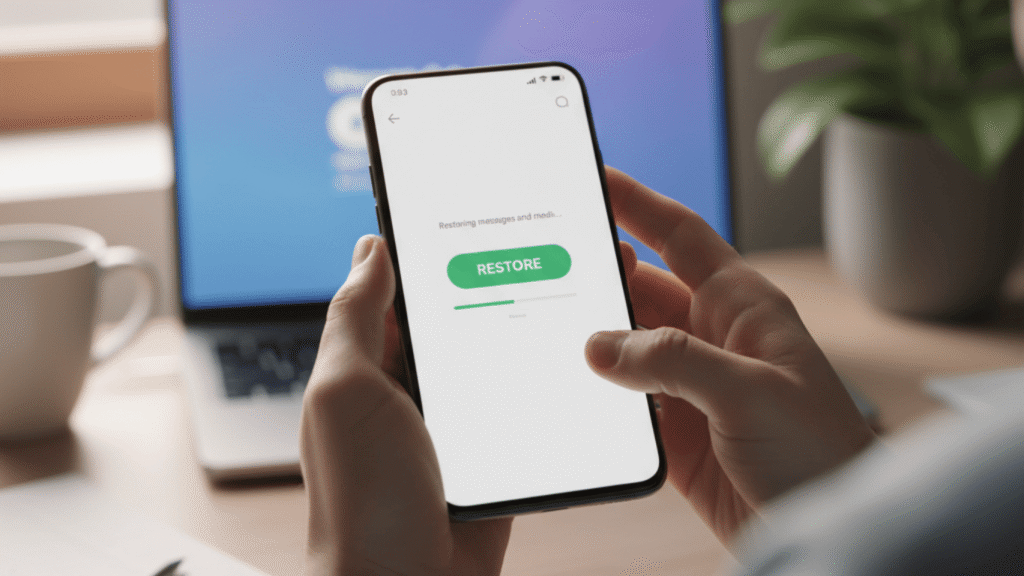
For Android users, this means verifying your phone number after reinstalling from the Google Play Store. The application will then automatically detect the archived data in your linked Google Drive account. Tapping ‘Restore’ initiates the retrieval process, which downloads messages and media.
iPhone users follow the same reinstallation steps from the Apple App Store, confirming the same phone number and ensuring they are signed into the correct Apple ID associated with the iCloud backup. The app will offer the ‘Restore Chat History’ option, pulling the data from the cloud. In both scenarios, the restored chats only appear after the restoration process is complete.
Read More: A Seismic Shift Is Coming to WhatsApp and Your Profile Will Never Be the Same
The True Cost of Neglecting Backup
The importance of an up-to-date backup cannot be overstated. Accidental deletion is a common issue. Statistics show that nearly 74% of Americans who own a computer have accidentally deleted essential data. While this statistic is not specific to mobile messages, it underscores the universal human tendency for error. Without a current backup, this error translates to permanent data loss.
To safeguard against future grief, set the app’s automatic backup frequency to Daily. In the ‘Chat backup’ menu, change the setting under ‘Back up to Google Drive’ or ‘Auto Backup’. This minimal action creates a robust defense against losing vital communication. For users and businesses who rely on WhatsApp for daily interactions, turning on the ‘Include Videos’ option is also a smart move, if cloud storage space allows. Don’t wait for disaster to strike. Protect your history today.
