


The best remote job is not a universal disability-friendly title; it is a legitimate role whose essential tasks, schedule, communication methods and technology match your strengths and access needs. Start by defining how you work best, search verified employers and disability-focused resources, and evaluate the interview process as well as the job. In the United States, telework can be a reasonable accommodation in some circumstances, but it is not automatic and this guide is not legal advice.
Start with your work needs, not a generic list
Two people with the same diagnosis can need different working conditions. Write down which tasks energize you, which create barriers and what changes improve access. Consider synchronous calls, camera use, keyboard or voice input, screen-reader compatibility, sensory load, schedule predictability, breaks, lifting, travel and time-zone requirements.
Then match occupations to skills. Customer support may require continuous calls; data entry can involve strict speed targets; software work may include long meetings; writing can involve deadlines and revision. “Remote” describes location, not workload, flexibility or accessibility.
Personal work-needs worksheet
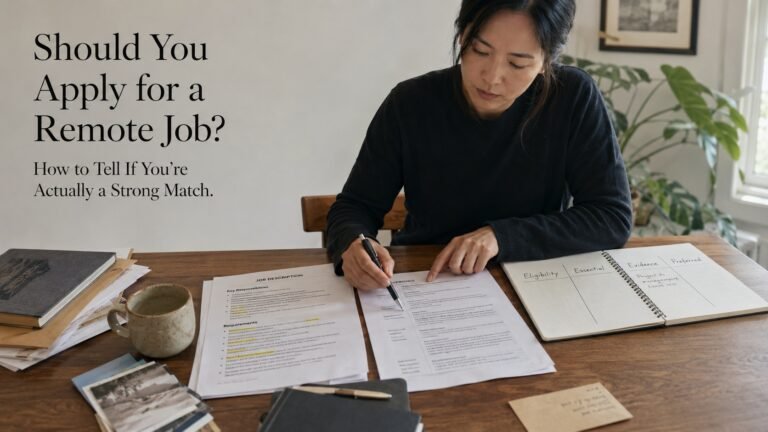
Create four columns: essential job task, current barrier, effective strategy or accommodation, and question to verify. For example, a live-phone task may require captioning or a text-based alternative; a visually complex dashboard may need keyboard and screen-reader compatibility; fatigue may make predictable scheduling or breaks important.
You decide when and whether to disclose disability information. Focus early questions on job design when possible: core hours, communication channels, performance measures, equipment and accessibility testing. For individualized accommodation decisions, use official resources or qualified advice.
Where to search
Use mainstream job sites with remote filters, employer career pages, state vocational-rehabilitation services and reputable disability-focused platforms. Specialized boards can improve discovery but do not guarantee that every employer, manager or tool is accessible. Verify each vacancy on the employer site.
Search by skill and outcome rather than “easy work from home.” Useful terms can include remote analyst, customer success, accessibility tester, technical writer, coordinator, accountant, developer or recruiter—only where your qualifications and work needs fit. Be skeptical of ads promising high pay for little experience.
Employer accessibility checklist
Look for an accessible application, a clear accommodation contact, specific duties, transparent location rules and consistent employer identity. During interviews, observe whether recruiters respond to access requests, provide materials in usable formats and describe performance expectations clearly.
The EEOC explains that reasonable accommodation can enable a qualified person to apply, perform a job or access employment benefits, unless it creates undue hardship. JAN offers free, confidential ideas and resources. Laws and processes vary by country and situation, so do not rely on a blog as personalized legal counsel.
How to apply safely
- Confirm the vacancy on the employer’s official career site.
- Compare essential tasks with your skills and work-needs worksheet.
- Tailor your resume to outcomes and accessible tools you genuinely use.
- Request an application or interview accommodation through the named route when needed.
- Ask about schedule, meetings, equipment, travel and success measures.
- Verify written offer terms before sharing banking or tax details.
Never pay for a job, starter kit, interview or employer-provided equipment. Treat text-only interviews, immediate offers, check-deposit instructions and mismatched email domains as major warnings.
Build evidence without stereotyping yourself
Employers hire for contribution. Prepare examples showing reliability, problem solving, communication and role-specific skills. Assistive technology can be part of how you work, but you do not need to turn a medical history into a qualification statement. Quantify outcomes truthfully and explain your process.
If experience is limited, use an accessible course, volunteer project or portfolio task that matches the role. Test whether the learning platform itself works with your access needs before investing money.
Quick questions
Is remote work always a reasonable accommodation in the U.S.? No. It depends on the individual situation, essential functions and applicable law; consult EEOC/JAN or qualified advice.
Should I disclose a disability when applying? That is an individual decision. An accommodation may require a request, but disclosure strategy is context-specific.
Are disability-focused job boards scam-free? No platform eliminates risk; verify the employer and vacancy.
Which remote job is best for a particular disability? Match tasks and access needs rather than relying on a diagnosis-based list.
Choose your next step
Keep your momentum with practical tools and verified remote-work opportunities.
Related guides for your next step
A fresh, topic-aware mix from the WorkinVirtual library. Suggestions rotate regularly.


Discuss this guide
Ask a useful question, share relevant experience, or add a practical correction. Helpful contributions publish immediately after automated safety checks.
Start a thoughtful discussion
Be the first member to add a question or practical insight about this topic.
Join the discussion
Sign in with your verified WorkinVirtual account to contribute. Automated safety checks keep posting quick and protect the community.
Sign in to contribute