

A USAJOBS announcement that offers telework is not automatically a fully remote job. Start with its work-site details, then check the reporting requirements, hours and hiring path before spending time on an application.
USAJOBS distinguishes remote positions based at an approved alternative worksite from telework arrangements that can include office attendance. The announcement explains which arrangement the agency offers. A search filter helps you find candidates for your shortlist; it does not replace reading their terms. USAJOBS: remote and telework-eligible jobs.
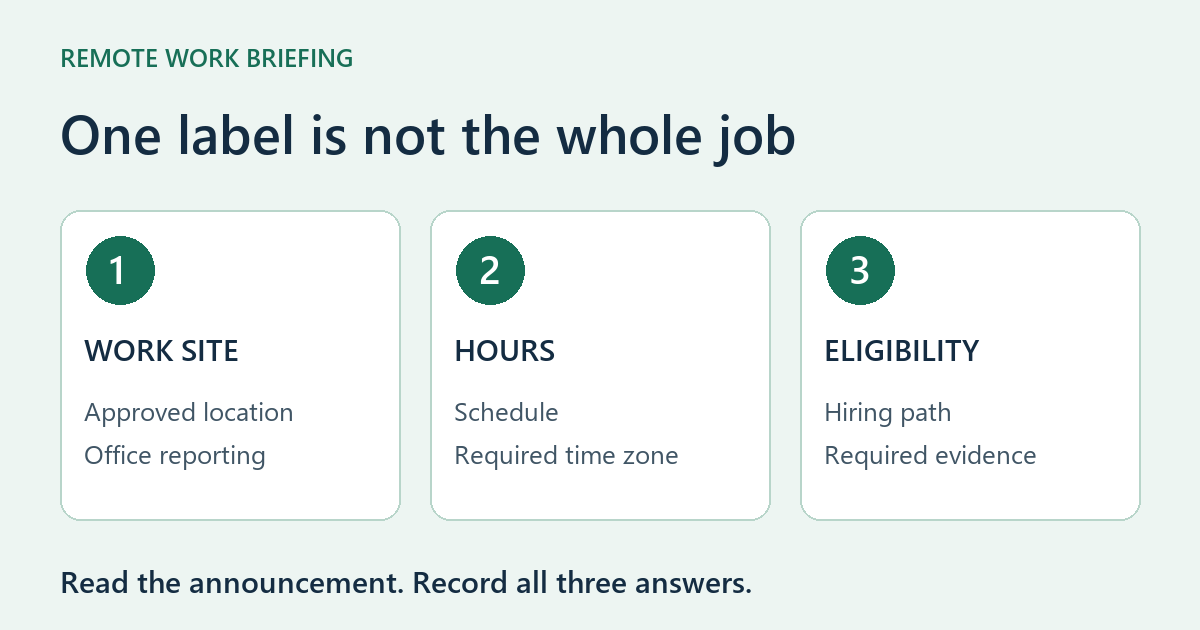
Read three separate decisions in the announcement
| Decision | What to record |
|---|---|
| Where will I work? | The work-site label, approved location and any requirement to report to an agency office. |
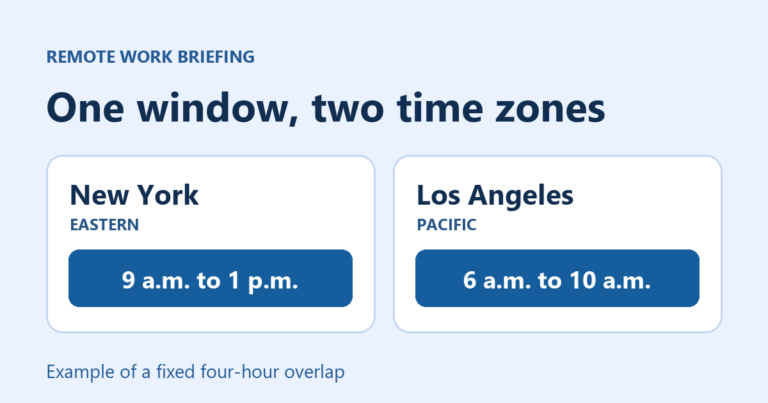
| When must I work? | The work schedule, required time zone and any stated shift or availability window. |
| Can I apply? | The listed hiring paths and the documents that establish your eligibility. |
Keep these answers separate in your notes. A position can match your preferred location and still require hours you cannot work. It can also match your experience while being open only to a hiring group you do not belong to.
Use the right filter, then open the full announcement
In the USAJOBS work-site filter, select Remote jobs when you need a remote position. Offers telework is a different option. You can also search for Remote in the location field. Open the full announcement and confirm the arrangement there, including its approved location and reporting conditions.
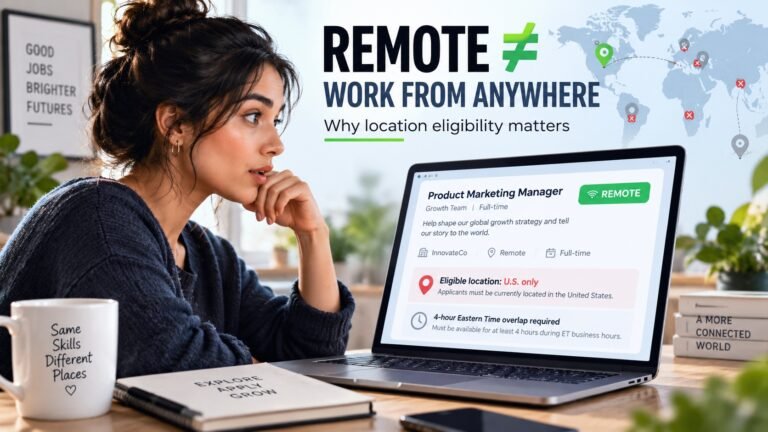
Do not turn a U.S. location label into permission to work in any country or state. This guide does not verify any individual vacancy. If your planned state, an onboarding visit or an office reporting requirement is unclear, ask the agency contact before treating the position as a practical fit.
Work schedule does not mean work location
The work-schedule field concerns hours, including full-time, part-time and other schedules. It does not establish that the job is remote. Check the exact schedule and flexibility in the announcement. A remote job can still require a time zone different from yours. USAJOBS: work schedules.
For example, imagine you live in California and can attend an office only occasionally. A telework label alone leaves your main question unanswered: how often would you need to report, and where? Record that question rather than assuming the arrangement fits. This is an illustrative decision, not a current job opening.
Check eligibility before tailoring your resume
USAJOBS treats hiring eligibility separately from qualifications such as experience and education. Read the announcement’s hiring-path sections, including Who may apply or This job is open to, then review its qualifications. A strong resume does not substitute for the required eligibility. USAJOBS: eligibility and qualifications.
Use a small comparison note for each shortlisted role: announcement link, closing date as displayed, approved worksite, reporting requirement, hours and time zone, hiring path, and the question still unanswered. Keep the announcement number with the note so an agency contact knows which role you mean.
Ask a question that can change your decision
Try: “For this announcement, what work location would be approved for someone based in California, what office reporting would be required, and which time zone sets the working hours?” Add a separate eligibility question if you cannot identify a matching hiring path.
If the answer confirms your location, hours and eligibility, continue with the application requirements. If a requirement does not fit, move to another role instead of assuming the label will override it. For a broader location check, use our remote-job eligibility guide. For hours, see how to interpret an overlap window.
Choose your next step
Keep your momentum with practical tools and verified remote-work opportunities.
Related guides for your next step
A fresh, topic-aware mix from the WorkinVirtual library. Suggestions rotate regularly.




Discuss this guide
Ask a useful question, share relevant experience, or add a practical correction. Helpful contributions publish immediately after automated safety checks.
Start a thoughtful discussion
Be the first member to add a question or practical insight about this topic.
Join the discussion
Sign in with your verified WorkinVirtual account to contribute. Automated safety checks keep posting quick and protect the community.
Sign in to contribute