

If a remote job lists an on-call rotation, you may have to respond to urgent alerts outside your regular shift. Ask for a sample rotation, the time zone it uses, and two separate deadlines: when you must acknowledge an alert and when you must be at a computer. A job can fit your normal working hours and still conflict with a fixed evening or weekend commitment.
Put the rotation on your calendar
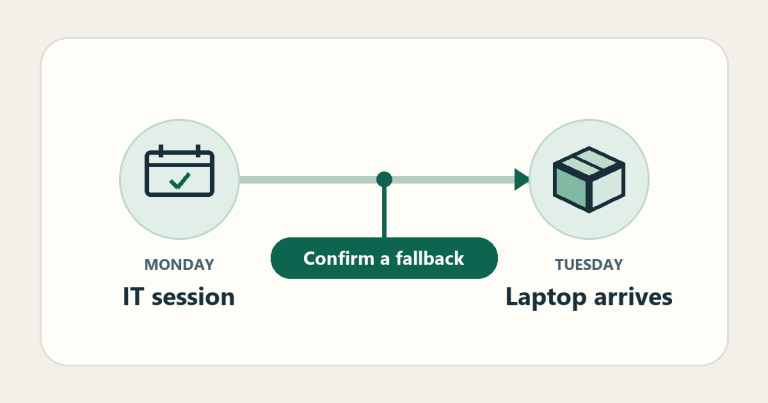
Ask when your first shift would begin, how long each turn lasts, how often it repeats, and who covers weekends and holidays. Put primary and backup shifts on separate lines. Ask whether the backup takes the alert when the primary is unavailable or only helps after escalation. Check when a swap becomes official and what happens if no one can take it.
Google’s SRE handbook describes teams with distinct primary and secondary duties. GitLab’s published on-call policy gives a concrete example of arranging partial or full shift cover. Ask the hiring manager how their own team handles both.
Test one evening before accepting
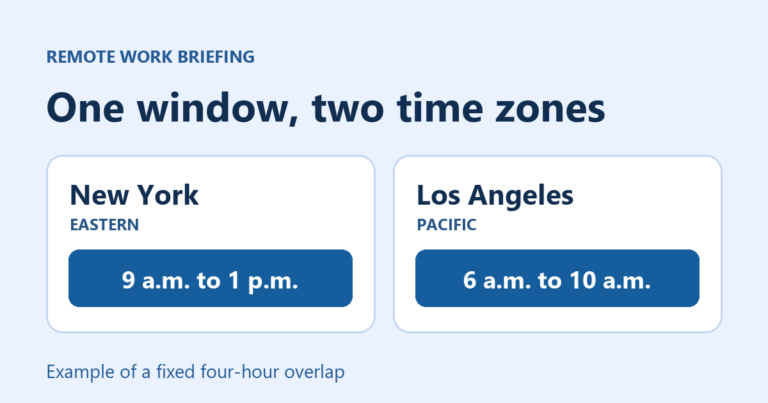
Suppose a team assigns you primary duty from 5 p.m. to midnight Eastern time. You live in Phoenix. On a winter date such as November 14, 5 p.m. Eastern is 3 p.m. in Phoenix, and midnight Eastern is 10 p.m. in Phoenix. Put the actual dates into your calendar so seasonal offset changes are accounted for.
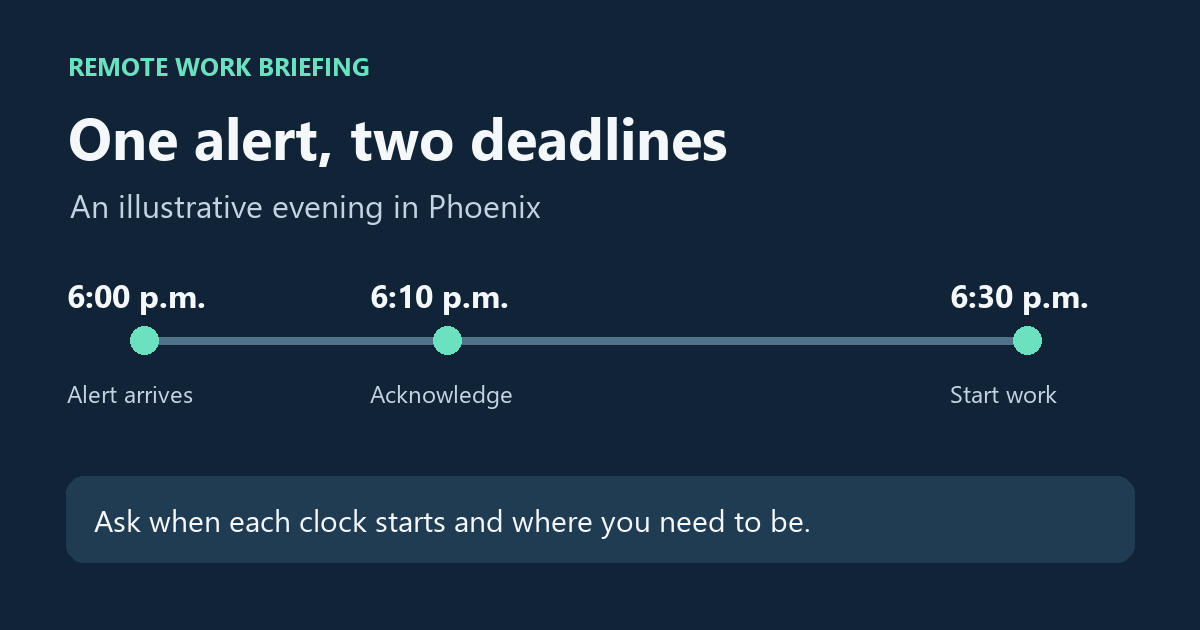
Now imagine an alert arrives at 6 p.m. Phoenix time, just as you leave for a commitment. In this example the policy allows 10 minutes to acknowledge and 30 minutes from the alert to begin work at a computer. You would need to acknowledge by 6:10 and be online by 6:30. A place 40 minutes from a reliable connection would require a confirmed swap or a different plan. Ask when each clock starts. Some teams may count from the alert and others may measure a different step. Google’s on-call workbook shows why response targets and alert volume matter in practice. The times here are illustrative.
Use this on-call offer worksheet
- Coverage: Record primary and backup windows in your own time zone, their frequency, and weekend or holiday duties.
- Response: Record the time allowed to acknowledge an alert and the time allowed to start work. Ask where you can work during a shift.
- Alert load: Ask for an anonymized typical rotation and a busy one. Record how many alerts came after hours, how many needed hands-on work, and how long that work took.
- Backup: Write down who covers an unavailable primary, who confirms swaps, and how new hires shadow the rotation.
- Offer terms: Ask how the team handles standby time, time spent responding, and recovery after a night incident. Get the employer’s policy or written terms.
Read on-call and location separately
Fanatics Betting & Gaming’s engineering posting described a U.S.-based remote position and listed rotation duty when checked on November 14, 2026. The posting did not give a state eligibility list, a rotation time zone, a response deadline, or an alert count. Confirm those details directly with the employer. The example illustrates what a listing can leave unanswered. Check the current posting before treating it as an opening.
Ask the hiring manager: “Could you walk me through a typical and a busy on-call week for this team? I’d like to put the primary and backup windows on my calendar and confirm the acknowledgment deadline, time to start work, and swap process before I make a decision.” Confirm your approved home address separately using the remote job location guide.
Choose your next step
Keep your momentum with practical tools and verified remote-work opportunities.
Related guides for your next step
A fresh, topic-aware mix from the WorkinVirtual library. Suggestions rotate regularly.

Discuss this guide
Ask a useful question, share relevant experience, or add a practical correction. Helpful contributions publish immediately after automated safety checks.
Start a thoughtful discussion
Be the first member to add a question or practical insight about this topic.
Join the discussion
Sign in with your verified WorkinVirtual account to contribute. Automated safety checks keep posting quick and protect the community.
Sign in to contribute