

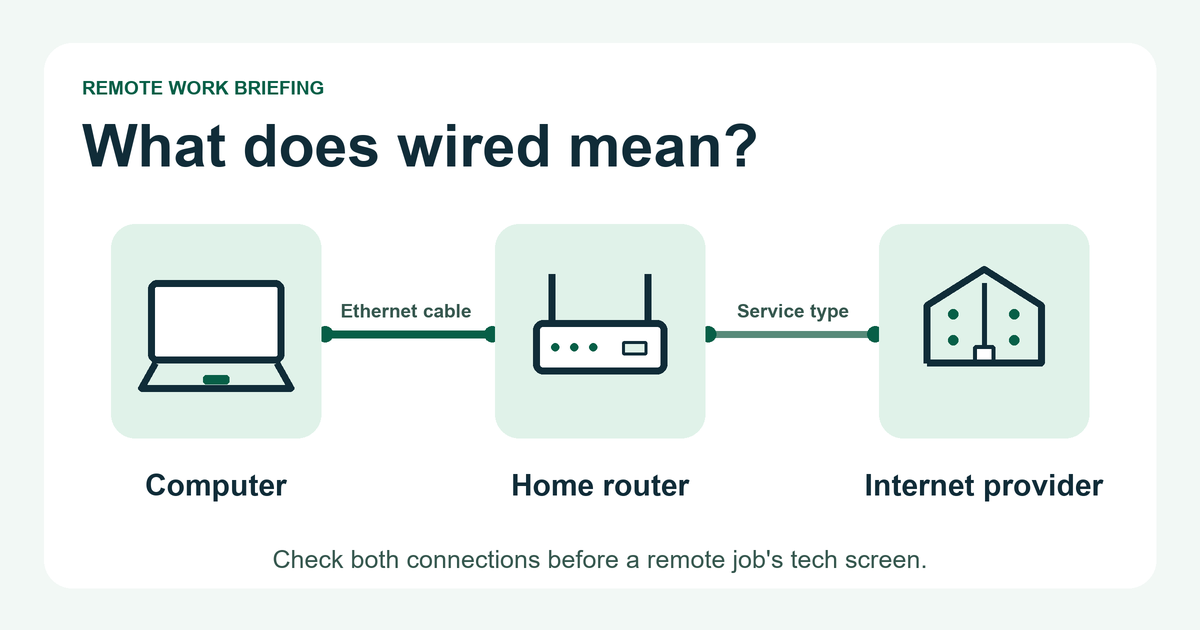
If a remote job requires wired internet, check two connections before you take the tech screen. First, see whether the work computer can connect to your router by Ethernet. Then check whether the employer accepts the service that brings internet to your home. A speed test can tell you how fast a connection was at that moment. You’ll need the role’s requirements to know whether you tested the right setup.
Check which part of the connection must be wired
Start at your desk. An Ethernet cable connects the computer to the router. The router also has an upstream connection to your internet provider, which might use cable, fiber, DSL, fixed wireless, or satellite. A computer can show a wired connection to a router that gets its service over a wireless link.
That distinction matters if your laptop is plugged into a mesh unit in another room. If the unit connects back to the main router over Wi-Fi, part of the path is still wireless. If the instructions say to connect directly to the home router, check that exact arrangement with the hiring team before you rely on the mesh unit or a wall jack whose route you don’t know.
Working Solutions’ contractor FAQ gives a useful example. It specifies Ethernet for the computer and lists cable, fiber and DSL among accepted service types. Its FAQ also describes limited support for some cellular and fixed wireless setups, subject to the client program. An Ethernet jack on a 5G gateway alone leaves that program decision open.
Separate the tech screen from the work shift
Write down which stage the rule applies to. TTEC’s work-from-home FAQ says its initial systems assessment requires a hardwired connection to the router. The same FAQ says home Wi-Fi is available on specific client assignments. The requirements for a particular assignment determine what you can use after the assessment.
Download and upload thresholds can differ too. Working Solutions lists 10 Mbps download and 3 Mbps upload in its FAQ. The Cigna Group’s careers guidance lists 10 Mbps down and 5 Mbps up for positions that require residential internet, and excludes satellite and mobile hotspots. These are examples from official guidance reviewed November 7, 2026. Use the figures and test method in your current instructions.
Run the check from the actual work setup
- Confirm the route. Identify your provider’s service type from your plan or by asking the provider. Make a note of anything between the computer and the main router, such as a dock or mesh unit.
- Confirm Ethernet on the computer. On Windows 11, connect the cable to a LAN port on the router, then open Settings > Network & internet and look for Ethernet marked Connected. If you can safely disconnect Wi-Fi on your personal computer for the test, do so and confirm you can still open a web page. Use your employer’s instructions for managed equipment. Microsoft’s Ethernet troubleshooting steps show how to check the cable and connection status.
- Measure what the role asks for. Run the specified test from the work location and device, then note download and upload separately, plus latency or stability if requested. If the role gives you a choice of when to do a personal precheck, try it again around your expected shift during normal household use. The employer’s official assessment is still the deciding test.
For example, suppose the role asks for at least 10 Mbps down and 5 Mbps up on a direct Ethernet connection. Your result is 80 down and 4 up. The download result meets the example threshold and the upload result falls short. If the second result improves, keep both results and ask which measurement or official test the employer uses. These numbers are illustrative and don’t describe a vacancy.
Keep a short note you can use before applying
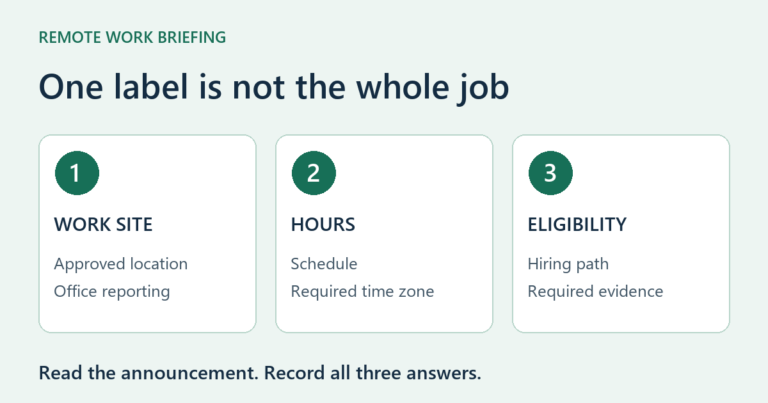
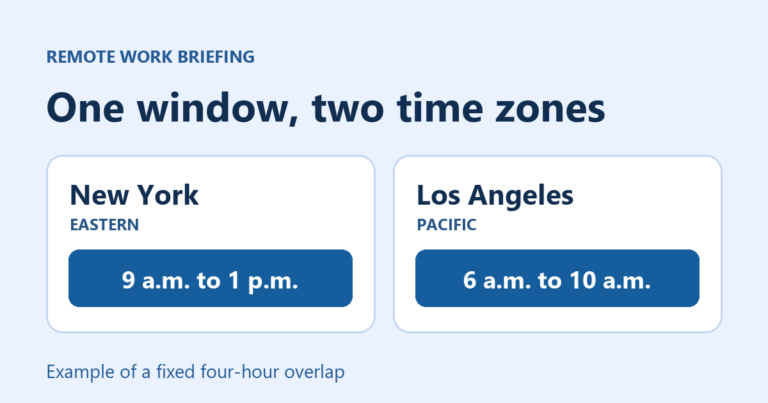
- Role. Save the official posting link or requisition number, the approved country and state for your work address, and the shift and training hours with their time zone.
- At the desk. Record the computer, Ethernet route and any adapter or intermediate device.
- At the router. Record the provider’s service type and the role’s policy for it. Mark an unstated policy as unconfirmed.
- Test. Write down the date, local time, download and upload results, and any required official assessment still to complete.
Use the note to ask a specific question. For example, “For this requisition, I connect my computer by Ethernet directly to a home gateway that uses fixed wireless service. Is that service accepted for the systems assessment and for the assigned shift?” Ask through a contact you find on the employer’s official careers site. Get the answer before paying to switch service or buy an adapter for this role.
Use an assessment link you can verify through the employer’s application process. If a recruiter asks you to pay for the job or deposit an equipment check and send money back, stop and verify independently. FTC job scam guidance.
Once you have a clear answer on the connection, check your work address and hours separately. Our remote job location guide helps with the location check, and the budget home office guide covers the rest of the workspace.
Choose your next step
Keep your momentum with practical tools and verified remote-work opportunities.
Related guides for your next step
A fresh, topic-aware mix from the WorkinVirtual library. Suggestions rotate regularly.




Discuss this guide
Ask a useful question, share relevant experience, or add a practical correction. Helpful contributions publish immediately after automated safety checks.
Start a thoughtful discussion
Be the first member to add a question or practical insight about this topic.
Join the discussion
Sign in with your verified WorkinVirtual account to contribute. Automated safety checks keep posting quick and protect the community.
Sign in to contribute