

When you leave a remote job and need to mail back a company laptop, confirm the return method and deadline with HR or IT. Keep a drop-off or pickup receipt for every box. After delivery, ask the employer to confirm which items it received. Those steps give you something specific to check if the tracking stalls or a charger is still listed as missing.
Get return instructions before you lose work access
Ask for the list of equipment expected back, the approved return method, any label or packaging instructions, and a contact you can reach once your work account closes. Ask whether the deadline means handing the box to the carrier or getting it to the receiving office. If a kit is late or an item is damaged, contact the return team for instructions before shipping it. Follow IT’s directions for handling files on the device and ask before erasing it.
Return methods depend on the employer. Penn State’s flexible work FAQ describes in-person return, shipping reimbursement, and a postage-paid package as options for its units. The University of Washington’s remote offboarding checklist asks managers to use the equipment records and agree on the return method. Confirm which method and dates apply to you.
Keep one record for each box
| Step | What to save |
|---|---|
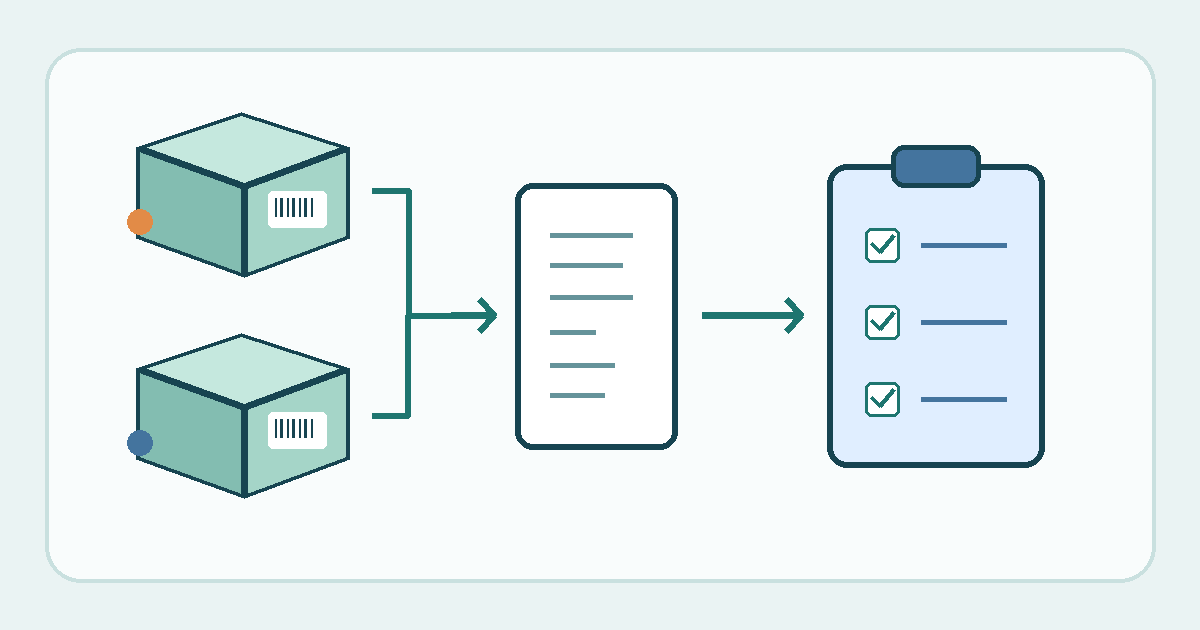
| Pack the return | Write down which items are in each box, the employer’s return reference if provided, and the tracking number for that box. If a kit was mailed to you, keep its inbound number separate from the return shipment. |
| Hand it to the carrier | Ask for a drop-off receipt or keep the pickup confirmation. Record the handoff date and match the receipt to the return tracking number. |
| Check delivery and receipt | Save the delivery status and the employer’s reply confirming the items checked in. Keep any unresolved item on its own line. |
Keep the record private and share it only through the employer’s approved contact or return portal. If you need to save instructions before losing access, ask the employer to send them to an approved address you can still reach.
Handle a missing scan or an unconfirmed accessory
Suppose the employer sends two labels for a laptop and a dock. The laptop shows Delivered, and IT confirms it. The dock still shows Label Created even though you have a counter receipt. Send the return contact the dock’s tracking number and receipt through the agreed channel. Say when and where you handed it over and ask who will follow up with the carrier. Keep the laptop marked as received and the dock open.
UPS explains its tracking statuses. Label creation shows that UPS received shipment details. The status changes once it has the parcel and it is moving through the network. Delivered records delivery to the destination. The receiving team still needs to match what arrived to the equipment list. If you use another carrier, check its own tracking definitions.
Ask IT to confirm what it received
My laptop return shows delivered on [date]. Could you confirm whether the laptop and charger were checked in and whether anything else is outstanding? I can provide the return reference and tracking details through your approved channel.
If you are starting another remote role, use the remote equipment checklist to confirm what the new employer supplies before the first day.
Choose your next step
Keep your momentum with practical tools and verified remote-work opportunities.
Related guides for your next step
A fresh, topic-aware mix from the WorkinVirtual library. Suggestions rotate regularly.



Discuss this guide
Ask a useful question, share relevant experience, or add a practical correction. Helpful contributions publish immediately after automated safety checks.
Start a thoughtful discussion
Be the first member to add a question or practical insight about this topic.
Join the discussion
Sign in with your verified WorkinVirtual account to contribute. Automated safety checks keep posting quick and protect the community.
Sign in to contribute