

Before a recurring meeting’s organizer leaves your team, ask the replacement to open the next event and confirm they can edit it. Then ask one attendee, ideally an external guest if the meeting has any, to check which invitation and join link they see. Verify access to the agenda and other files separately.
Check whether the calendar event can transfer
In Google Calendar, the event owner can request a change of owner for eligible events. Ownership stays with the current organizer until the recipient accepts. Google also says a transfer can affect the conferencing policies that apply to a Google Meet link. If the outgoing person’s account is being retired, coordinate with your Google Workspace administrator before it is disabled. Admin transfers have separate limits on which events they move.
Microsoft documents a Change organizer option for eligible future non-online meetings in new Outlook, Outlook on the web and the Teams Microsoft 365 calendar. The option depends on the organization’s configuration and meeting type. A replacement in the same organization must accept. Microsoft currently excludes online meetings from this user-facing transfer. Ask IT what your organization supports for a Teams video series before relying on the existing invite.
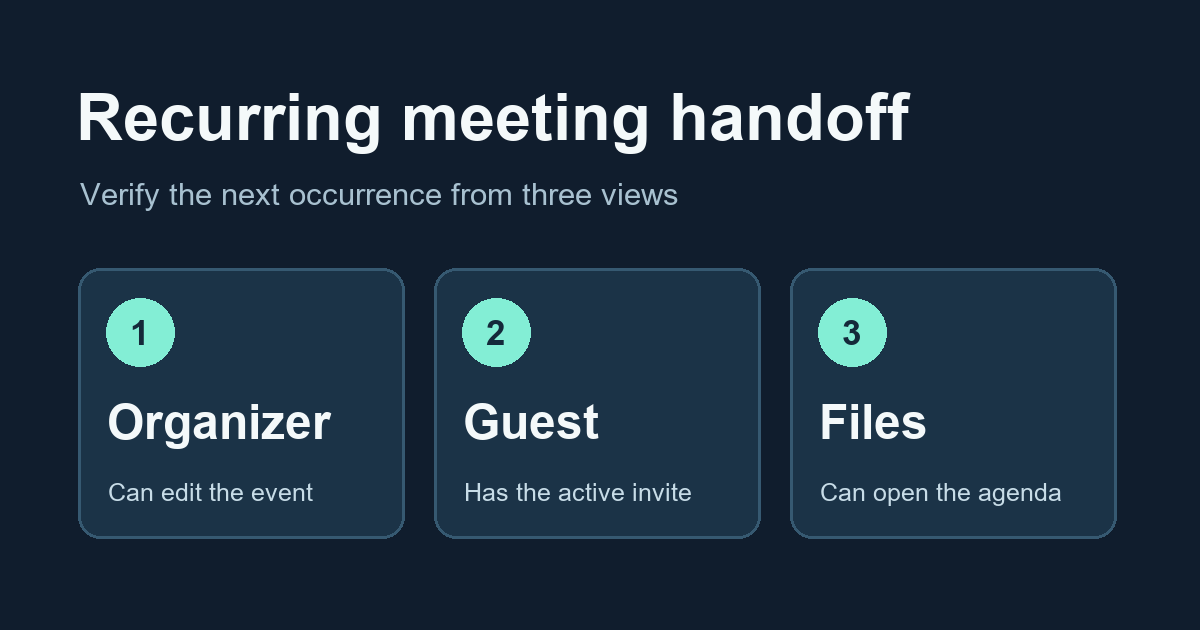
Verify the next meeting from three views
Use the first occurrence after the handoff for all three checks. Record the event date in the two local time zones if the new organizer and the person checking the invitation work in different zones.
| Who checks | What to confirm |
|---|---|
| New organizer | The next occurrence shows the correct organizer, and the replacement can edit it and review the guest list. |
| Attendee or external guest | The live invitation shows the intended date and local time. For video calls, confirm the intended join link with a guest using the account they will join from. |
| Agenda or file owner | The replacement can open the agenda and files with their own work account. Check any permission separately through your team’s normal process. |
For example, a remote team moves its Wednesday supplier review to a new organizer. The Boston organizer sees 2 p.m. Eastern for the upcoming event. The supplier in Chicago confirms 1 p.m. Central and checks that the active invitation points to the planned video meeting. The agenda owner opens the existing link with the replacement and confirms that they can edit it. If the supplier still sees two invites, resolve that before the next meeting.
Replace the series if the handoff cannot be verified
If the meeting cannot transfer, ask the current organizer or IT to coordinate ending the old series. Have the new organizer send the replacement with a clear first date, time zone, join link and agenda. Ask at least one attendee to confirm which invitation they will use. Check the next two occurrences if you are changing the recurrence or its time zone. Put the handoff owner and deadline in the team’s next status update.
Choose your next step
Keep your momentum with practical tools and verified remote-work opportunities.
Related guides for your next step
A fresh, topic-aware mix from the WorkinVirtual library. Suggestions rotate regularly.






Discuss this guide
Ask a useful question, share relevant experience, or add a practical correction. Helpful contributions publish immediately after automated safety checks.
Start a thoughtful discussion
Be the first member to add a question or practical insight about this topic.
Join the discussion
Sign in with your verified WorkinVirtual account to contribute. Automated safety checks keep posting quick and protect the community.
Sign in to contribute