

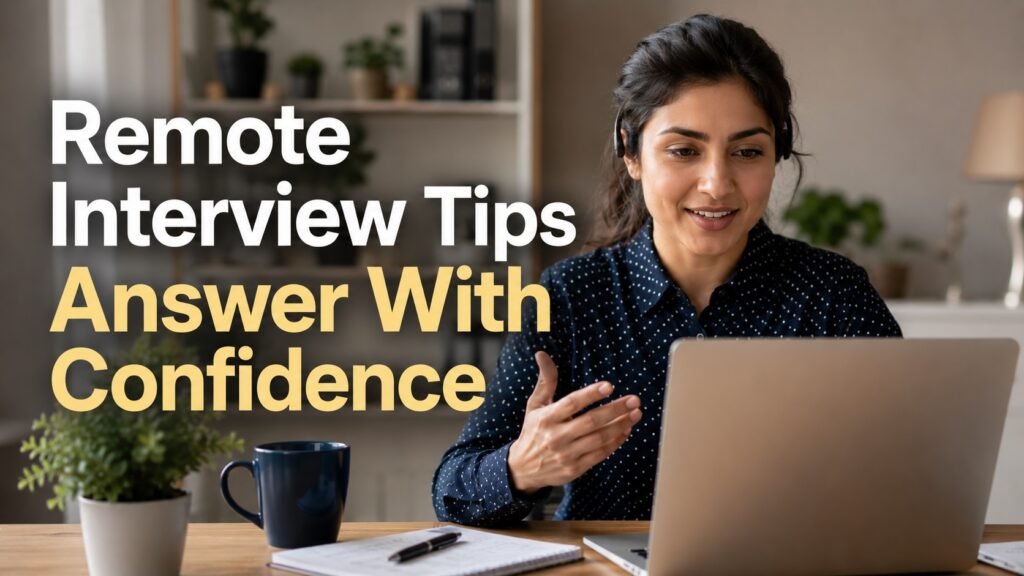
Answer “Tell me about yourself” in 60–90 seconds with three parts: the work you do now, one or two past results that match the role, and why this opportunity is the logical next step. For a remote position, add one relevant delivery signal—documenting decisions, coordinating across time zones, working independently or escalating blockers—but do not turn the answer into a list of software. Start from the official job requirements and choose evidence you can substantiate. The Department of Labor’s interview guidance emphasizes researching the announcement, preparing for competencies and presenting experience, education and training. Practice aloud, then keep the delivery conversational and accessible.
Evidence that demonstrates fit or progress
Copy the top three requirements from the official posting. For each, write one sentence with context, personal action and result. Select the strongest two, then add a current professional identity and a role-specific future sentence. Record three versions: 45, 75 and 90 seconds. Review clarity, pace, filler, evidence, jargon, eye or camera placement appropriate to access needs and whether the final sentence invites the next question. Do not fabricate metrics, personal circumstances or remote experience. Use notes as prompts, not a hidden script that makes interaction harder.
Build a requirement-to-evidence matrix with requirement, proof, result and gap columns. Copy a current requirement or operating need into the first column. Add one truthful example and a verifiable result. Label missing proof as a gap instead of hiding it with keywords. Legal status, health, safety, schedule, location, privacy, accessibility or security mismatches require a decision.
Write two short cases containing context, constraint, personal action, quality or safety check and result. Reduce each to one résumé, plan or portfolio bullet. Keep confidential clients, systems, employees, health information and security details out. A credible sanitized example is stronger than detail that should not be public.
How to apply or use the guidance
Research the role and organization, verify interview logistics and prepare an accessible backup for video or audio failure. Open with professional relevance rather than life history. Use one recent and one earlier example only if both advance fit. Explain remote readiness through an outcome, not preference for home. Stop before detailed chronology and let the interviewer choose follow-up. Practice with a person or recording, then update weak evidence. Ask for an accommodation through the employer’s stated process when needed. Never install unknown interview software or share identity and bank details before a verified process.
Verification checklist
- Open the official employer, government or primary source.
- Confirm current status, document or requisition ID and the date checked.
- Record legal, location, eligibility, deadline, privacy and work-model constraints.
- Compare mandatory criteria with evidence that can be substantiated.
- Identify one decisive gap before spending more time or money.
- Save the source, decision, accountable owner and fallback.
- Stop when payment, secrets, unsafe access or unofficial transfer of sensitive information is demanded.
Practical exercise and decision aid
Create a next-48-hours card with one verification, one evidence improvement and one communication action. At the end, mark completed, learned and changed. This creates a return reason and keeps the page useful when a legacy vacancy, product claim or simplistic promise is removed.
Use a stop/continue table. Continue when the official source is current, core requirements fit and the next cost is reasonable. Pause when legal status, health, location, accessibility, safety, security, privacy or money is unclear. Stop when an accountable party is hidden, payment is demanded for a job, or normal verification is bypassed.
Safety and stale-content cleanup
Remove guarantees that one formula “gets the job,” and do not force every answer into an identical script. Avoid claims about universal recruiter attention spans or ATS scoring in live interviews. “Remote” is not a personality trait. Delete fake metrics, copied employer praise and tool-name stuffing. Keep examples role-specific, current and inclusive of different communication styles. Preserve the owner as an interview exercise with Article and eligible FAQ schema only.
- Replace urgency and guaranteed outcomes with dated verification.
- Do not infer remote work from a digital role or site brand.
- Keep employer, government, manager, worker and tool roles distinct.
- Put official or primary sources ahead of copied pages.
- Do not collect identity, bank, health, immigration or security data.
- Recheck canonical, robots, schema, outbound links and dates in QA.
- Keep unpublished if the intent cannot be served honestly.
Frequently asked questions
How long should the answer be?
Aim for about 60–90 seconds unless the interviewer asks for a different level of detail.
What structure works?
Current professional identity, relevant past evidence and why the target role is next.
How do I show remote readiness?
Use one concrete example of independent or distributed delivery, documentation or escalation.
Should I memorize a script?
Practice the structure and evidence, but use prompts so the delivery remains responsive.
Official and primary sources
- DOL Interview Skills — official or primary evidence for scope, status, safeguards or application.
- DOL Interview Skills Participant Guide 2026 — official or primary evidence for scope, status, safeguards or application.
- DOL Interview Tips — official or primary evidence for scope, status, safeguards or application.
- DOL Workshop Materials — official or primary evidence for scope, status, safeguards or application.
- FTC Job Scam Guidance — official or primary evidence for scope, status, safeguards or application.
Research checked 2026-08-09. Organization and guidance pages establish context; only an accountable live source establishes a current vacancy, rule, price or individual recommendation. Evidence is applied within its limits and does not guarantee outcomes.
Choose your next step
Keep your momentum with practical tools and verified remote-work opportunities.
Related guides for your next step
A fresh, topic-aware mix from the WorkinVirtual library. Suggestions rotate regularly.






Discuss this guide
Ask a useful question, share relevant experience, or add a practical correction. Helpful contributions publish immediately after automated safety checks.
Start a thoughtful discussion
Be the first member to add a question or practical insight about this topic.
Join the discussion
Sign in with your verified WorkinVirtual account to contribute. Automated safety checks keep posting quick and protect the community.
Sign in to contribute