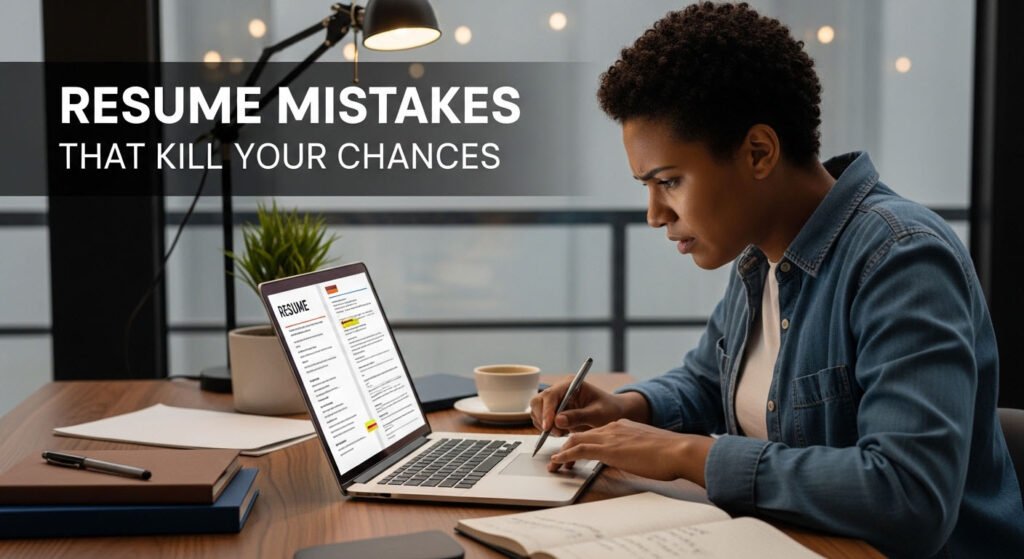
The most damaging remote-resume mistakes are weak role focus, duty-only bullets, unsupported remote-work claims, unreadable formatting, inaccurate keyword copying and missing eligibility details. Fix them by mapping the current vacancy’s leading requirements to truthful evidence, using a simple structure, quantifying outcomes where possible and verifying the employer before submitting.
Mistake 1: one resume tries to fit every role
A generic summary forces the recruiter to infer your fit. Choose a role family and seniority for each version. Read the vacancy for the problem, outcomes, mandatory qualifications, tools and constraints. Put the most relevant truthful evidence in the top third; do not merely paste the title.
Create a matrix with requirement, evidence and resume location. If an essential requirement has no evidence, decide whether adjacent experience is credible or whether the role is not a fit. This saves time and prevents misleading applications.
Mistake 2: bullets list duties, not evidence
“Responsible for customer support” describes a category, not your contribution. A stronger line might say: “Resolved complex billing cases across email and chat, documented recurring causes and helped reduce repeat escalations.” Add accurate scale or outcome where it improves understanding. Never invent percentages.
Separate your work from the team’s. Use action, context, method and outcome. If data is confidential, use a bounded qualitative result such as met the launch date, reduced rework or improved handoff consistency.
Mistake 3: “remote-ready” is asserted rather than shown
Recruiters need evidence of independent planning, asynchronous writing, cross-time-zone handoffs, secure information handling and clear escalation. Integrate these actions into achievements. “Excellent communicator” is weak; “documented decisions and owners for a four-time-zone launch” is testable.
Do not assume a remote vacancy is work-from-anywhere. State location and work authorization accurately in the application. Leave visa, tax and legal decisions to the employer and qualified advisers.
Mistake 4: design interferes with reading
Essential information should not live only in icons, charts, text boxes, headers or footers. Use conventional headings, consistent employer/title/date patterns and selectable text. Follow the requested file format. Copy the finished resume into plain text; if the reading order breaks, simplify the layout.
No layout guarantees passage through every ATS. The goal is dependable parsing and fast human comprehension, not a vendor score.
Mistake 5: keywords are copied without proof
Use the vacancy’s language where it truthfully describes your experience. Include a tool, method or qualification in context. Hidden keywords, repeated phrases and skills you cannot discuss create risk. A recruiter may search for a term, but an interview will test the underlying evidence.
Before/after example: replace “Slack, Teams, remote collaboration, communication” with “Coordinated weekly client handoffs in Teams and maintained an asynchronous decision log that reduced missed approvals.”
Mistake 6: important facts are inconsistent
Check dates, titles, spelling, tense and contact details across the resume and application form. Explain short or unusual experience accurately rather than manipulating dates. Ensure links work and public portfolio details do not contradict the resume. Remove confidential employer data and personal information that the initial application does not need.
Mistake 7: the application process ignores safety
An attractive resume cannot repair a fake vacancy. Open the employer’s official careers site independently and confirm job ID, location, arrangement and status. Beware of unexpected text-only interviews, personal email addresses, excessive pay, immediate offers and requests for money, gift cards, cryptocurrency, bank credentials or remote-access software.
Never pay to receive a job or equipment. Share identity and financial data only through a verified, necessary stage of a legitimate process.
Ten-minute submission check
- Can the target role be identified in ten seconds?
- Do the top five requirements map to evidence?
- Does each leading bullet show your contribution and outcome?
- Is remote collaboration demonstrated rather than claimed?
- Are dates and titles consistent?
- Does plain-text reading order work?
- Does the file type match the instruction?
- Are location and authorization answers accurate?
- Is the vacancy verified on the official domain?
- Can you explain every claim in an interview?
Track applications by version, source, date and response. After 15–20 well-matched submissions with no screening calls, review role fit, top-third clarity and evidence—not just keywords. If interviews occur but offers do not, the resume may no longer be the main constraint.
Frequently asked questions
How long should a remote resume be?
Use the space needed to present relevant evidence clearly. One or two pages is common, but occupation, seniority and country conventions differ.
Should I put “remote” beside every job?
Only when it adds meaningful context. Evidence of distributed-work behaviors matters more than repeating the label.
Can AI rewrite my resume?
It can suggest structure, but you must verify every claim, remove generic language and protect sensitive information. You remain responsible for accuracy.
Why am I still not getting interviews?
Possible causes include role mismatch, eligibility, competition, timing, unclear evidence or the vacancy changing. A resume is one part of the decision, not a guarantee.
Stale-claim cleanup and QA
Remove fixed recruiter-attention statistics, “guaranteed ATS pass” language, hidden-keyword tricks and unexplained universal page limits. Transfer only distinct, accurate examples from owner 1459 after editorial comparison.
- Production state: read-only; no live post, redirect, canonical or index change occurred.
Choose your next step
Keep your momentum with practical tools and verified remote-work opportunities.
Related guides for your next step
A fresh, topic-aware mix from the WorkinVirtual library. Suggestions rotate regularly.