

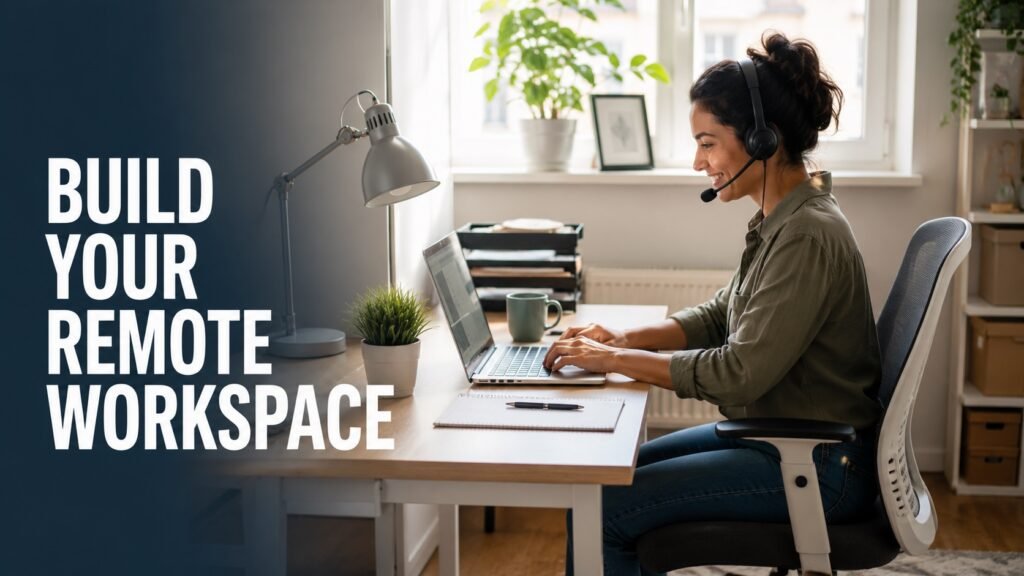
Setting up a home office does not need to be expensive. If you are preparing for remote jobs, virtual assistant work, customer support roles, freelance projects, or online interviews, your goal is not to create a perfect office. Your goal is to create a quiet, reliable, professional space where you can work, communicate clearly, and stay productive.
This guide explains how to build a budget-friendly home office for real remote work, what to buy first, what can wait, and how to avoid wasting money on items you do not need yet.
Why Your Home Office Setup Matters for Remote Work
A good home office helps you do three important things: focus during work hours, appear professional in interviews or video calls, and avoid technical problems that can affect your performance.
For remote job seekers, the most important setup factors are usually internet reliability, a quiet background, clear audio, comfortable seating, and enough lighting for video calls. Expensive furniture is less important than a space that helps you work consistently.
Step 1: Choose the Right Space First
Before buying anything, choose the best available location in your home. You do not need a separate room. A bedroom corner, dining table, hallway nook, or even a reorganized closet can work if it gives you enough privacy and focus.
- Best option: A quiet room with a door.
- Good option: A bedroom or living room corner with limited distractions.
- Budget option: A shared table used only during working hours.
- Small-space option: A foldable desk or wall-mounted desk.
Choose the space where you can control noise, lighting, and background appearance. These matter more than having a large office.
Step 2: Start With the Essentials
If your budget is limited, do not try to buy everything at once. Start with the items that directly affect your ability to work and communicate.
- Reliable internet: Remote work depends on stable video calls, file uploads, and online tools.
- Laptop or desktop computer: Use what you already have if it can handle your role.
- Comfortable chair: You do not need a luxury chair, but you do need back support.
- Basic desk or table: Any stable surface can work in the beginning.
- Headset or earphones with microphone: Especially important for customer support, sales, virtual assistant, and interview calls.
- Good lighting: A desk lamp or natural window light can make video calls look more professional.
Budget Home Office Setup by Price Range
Under $100: Starter Remote Work Setup
This is enough if you already have a laptop and internet connection.
- Use an existing table or desk
- Use a dining chair with a cushion or back support
- Buy a basic headset or wired earphones with microphone
- Use natural light or a simple desk lamp
- Keep your background clean and simple
$100–$300: Better Setup for Interviews and Daily Work
- Basic ergonomic chair or secondhand office chair
- External keyboard and mouse
- Laptop stand or monitor riser
- USB headset
- Desk lamp or small ring light
$300–$500: Strong Setup for Full-Time Remote Work
- Second monitor
- Better office chair
- Dedicated desk
- Webcam if your laptop camera is poor
- Cable management and storage
You do not need the $500 setup on day one. Start small, then upgrade based on the type of remote work you actually get.
What Different Remote Jobs Need
Customer Support Roles
Prioritize a quiet room, strong internet, and a clear microphone. Many customer support jobs involve calls, live chat, help desk systems, or video training.
Virtual Assistant Roles
A second monitor can help with calendars, email, spreadsheets, and client communication. A clean background is also helpful for client calls.
Data Entry Roles
Focus on comfort, keyboard quality, screen size, and fewer distractions. Accuracy matters more than having expensive equipment.
Software or Technical Roles
A second monitor, stable internet, and a comfortable keyboard can make daily work easier. Upgrade only when your work requires it.
Freelance or Client-Based Work
Your setup should help you look reliable on calls. Good lighting, clear audio, and an organized background can improve first impressions.
Looking for Remote Work?
Once your workspace is ready, the next step is finding roles that match your skills, schedule, and experience level.
Browse Remote JobsHow to Make a Small Space Look Professional
You do not need an expensive office to look professional on video. Small changes can make a big difference.
- Face a window or place a lamp in front of you, not behind you.
- Keep your background clean and uncluttered.
- Use a plain wall, bookshelf, curtain, or tidy corner behind you.
- Keep your camera at eye level using books or a laptop stand.
- Test your microphone before interviews or meetings.
- Keep chargers, notes, and water nearby before starting work.
What Not to Buy First
Many people spend money on the wrong things when setting up a home office. Avoid buying items that look good but do not directly improve your work.
- Expensive décor before buying a good headset or chair
- Luxury desks when a simple table works
- Decorative lighting that does not help video calls
- Multiple monitors before knowing whether your job needs them
- Unnecessary gadgets that create clutter
The best home office setup is practical, not perfect.
Budget-Friendly Home Office Ideas
- Buy secondhand furniture: Office chairs and desks are often available at lower prices from local sellers.
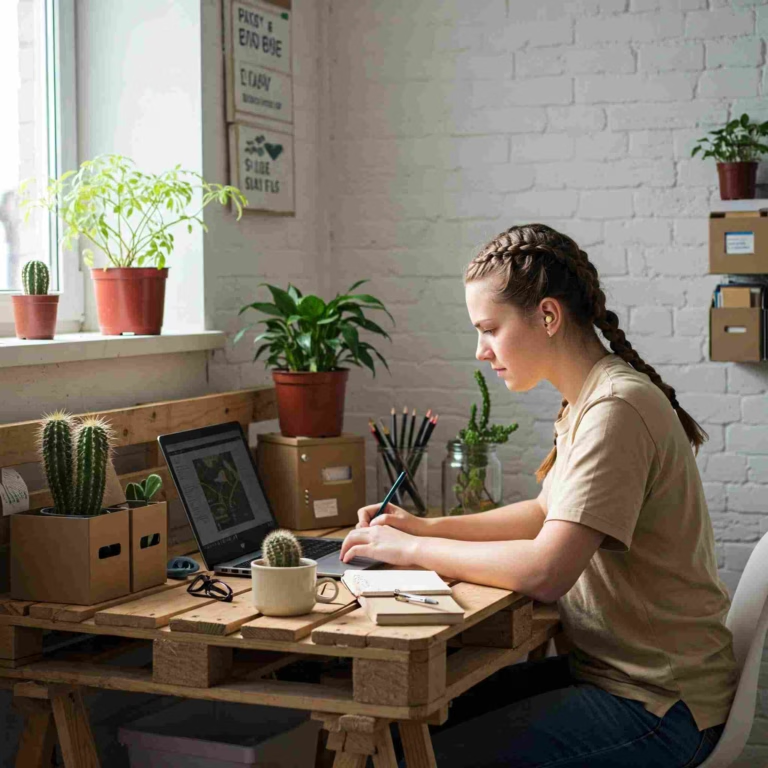
- Use what you already own: A table, lamp, books, cushions, and storage boxes can work well.
- Create vertical storage: Use shelves, wall hooks, or containers to keep your desk clear.
- Improve lighting cheaply: A simple lamp placed in front of you can improve video quality.
- Reduce noise: Use curtains, rugs, closed doors, or soft furnishings to reduce echo.
- Keep cables organized: Use clips, ties, or simple labels to avoid a messy workspace.
Simple Home Office Checklist
- Stable internet connection
- Comfortable chair
- Desk, table, or stable work surface
- Laptop or desktop computer
- Headset or earphones with microphone
- Good lighting for video calls
- Clean background
- Notebook or digital task system
- Charging cables nearby
- Quiet work routine
Not Sure Which Remote Job Fits You?
Your workspace should match the kind of remote work you want. Use WorkinVirtual career tools to explore roles, improve your resume, and prepare for interviews.
Explore Career ToolsFinal Thoughts
Building a home office on a budget is not about creating a perfect workspace. It is about creating a reliable place where you can apply for jobs, attend interviews, communicate clearly, and perform well once hired.
Start with the essentials: internet, seating, lighting, audio, and focus. Upgrade slowly as your remote career grows. A simple, organized workspace can be enough to help you take the next step toward working from home.
Editor’s Note: This guide is designed for remote job seekers, freelancers, virtual assistants, customer support professionals, and anyone preparing to work from home. Equipment needs may vary depending on employer requirements, role type, and personal work style.
FAQs
How much does it cost to build a home office on a budget?
You can start with under $100 if you already have a laptop and internet connection. A more comfortable setup may cost between $100 and $300, depending on whether you need a chair, headset, lighting, or external accessories.
Do I need a separate room to work remotely?
No. Many people work remotely from a bedroom corner, dining table, or small desk area. The most important factors are quiet, comfort, internet reliability, and a professional background for calls.
What is the most important home office item for remote work?
Reliable internet is usually the most important. After that, prioritize a comfortable chair, clear audio, and good lighting for meetings and interviews.
Do I need a second monitor for remote work?
A second monitor is helpful but not always required. It is more useful for virtual assistant work, data entry, customer support dashboards, software development, and roles that require switching between multiple tools.
Can I use a dining table as a home office desk?
Yes. A dining table can work well as a temporary home office desk. Try to keep the surface organized and use a chair with enough back support if you work for long hours.
Choose your next step
Keep your momentum with practical tools and verified remote-work opportunities.
Related guides for your next step
A fresh, topic-aware mix from the WorkinVirtual library. Suggestions rotate regularly.




Discuss this guide
Ask a useful question, share relevant experience, or add a practical correction. Helpful contributions publish immediately after automated safety checks.
Start a thoughtful discussion
Be the first member to add a question or practical insight about this topic.
Join the discussion
Sign in with your verified WorkinVirtual account to contribute. Automated safety checks keep posting quick and protect the community.
Sign in to contribute