
Compare six résumé templates using sample information. When you find a layout that fits, sign in to your Remote Work Passport to customize it in Resume Studio and download your résumé.
Open Resume Studio Compare all six templatesCompare résumé templates
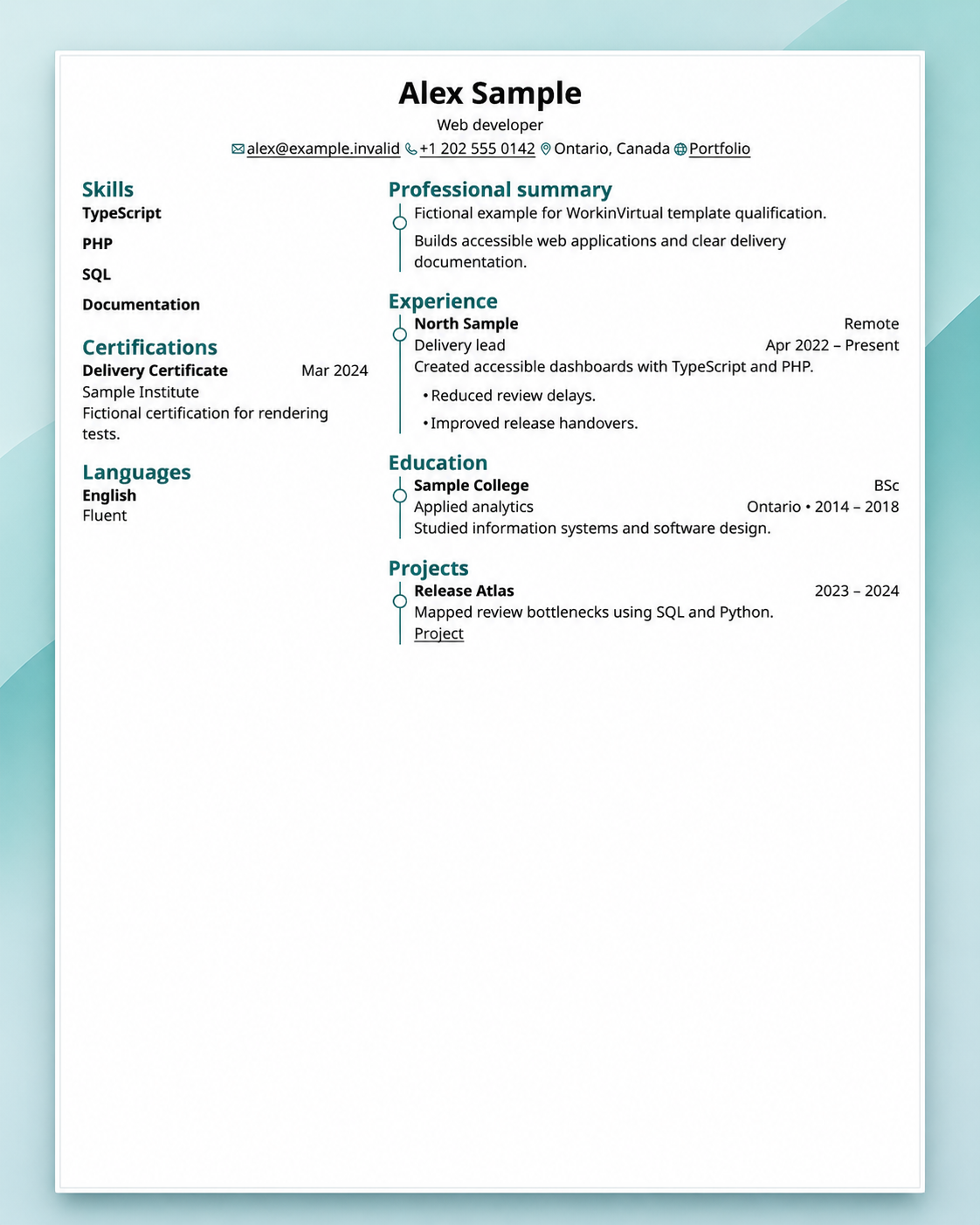
Meridian
A two-column layout for people who want skills and recent experience visible at a glance.
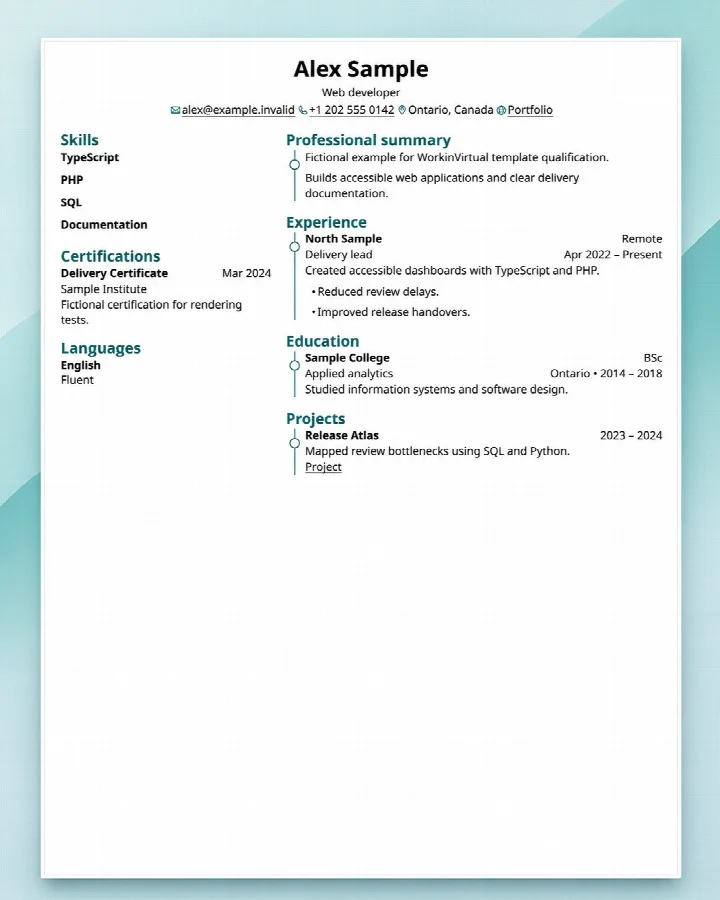 View full-size Meridian preview
Ledger
A single-column layout for a straightforward work history with room for results and responsibilities.
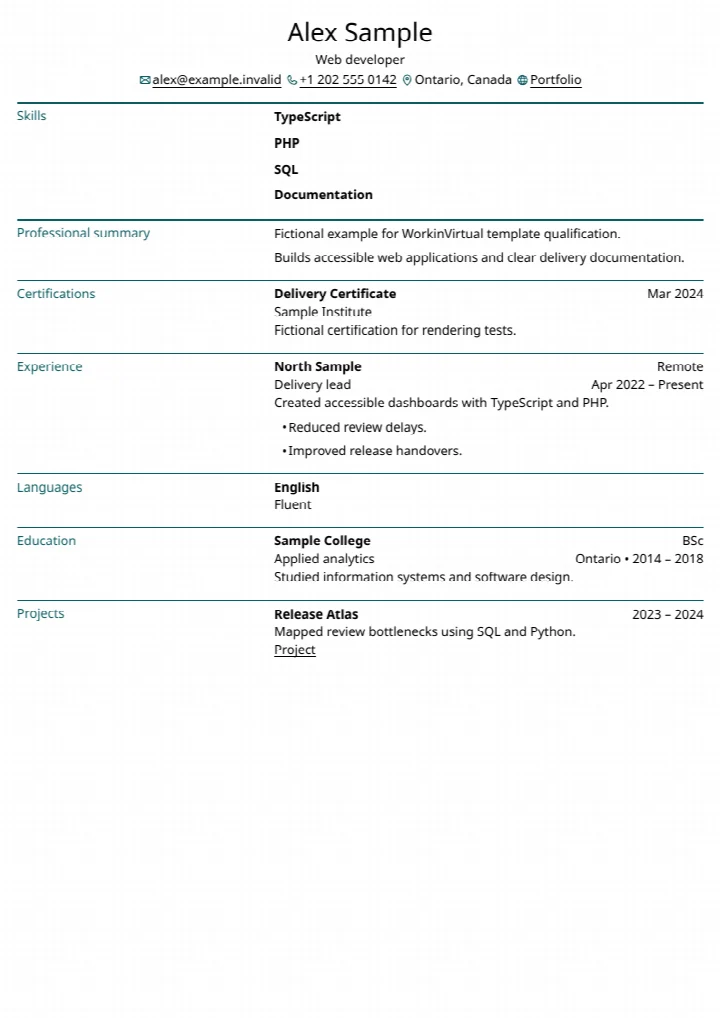 View full-size Ledger preview
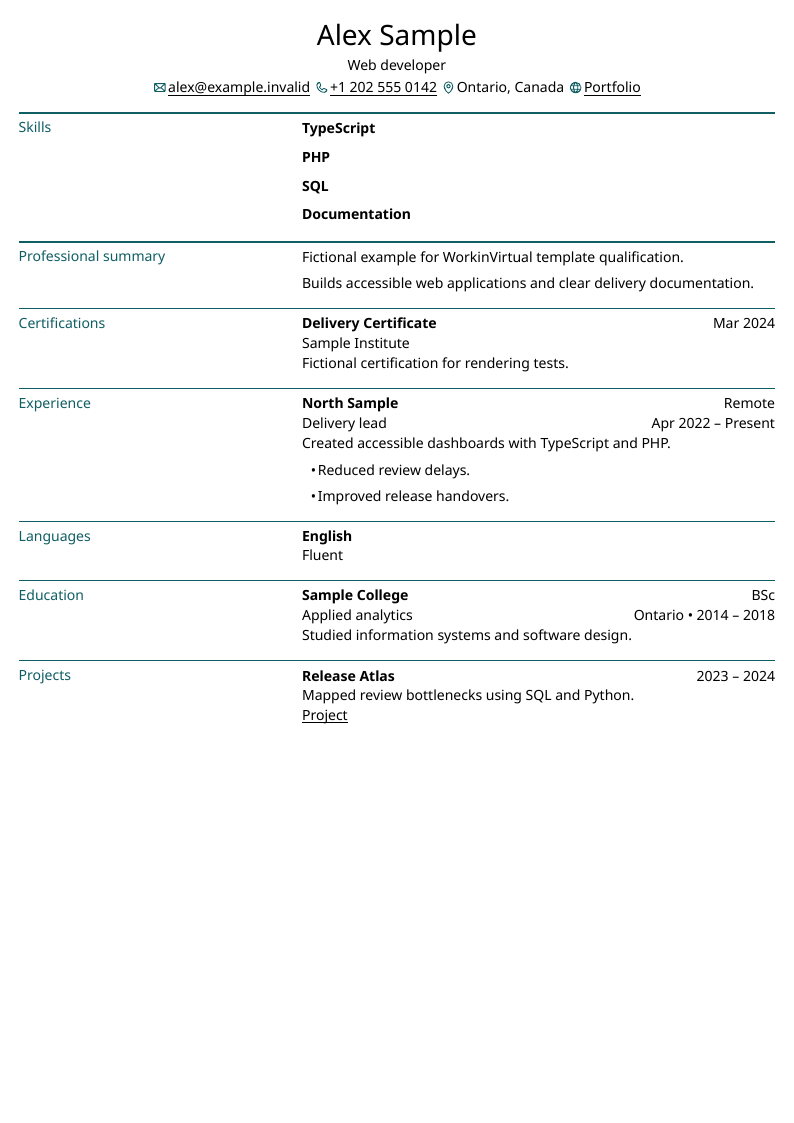
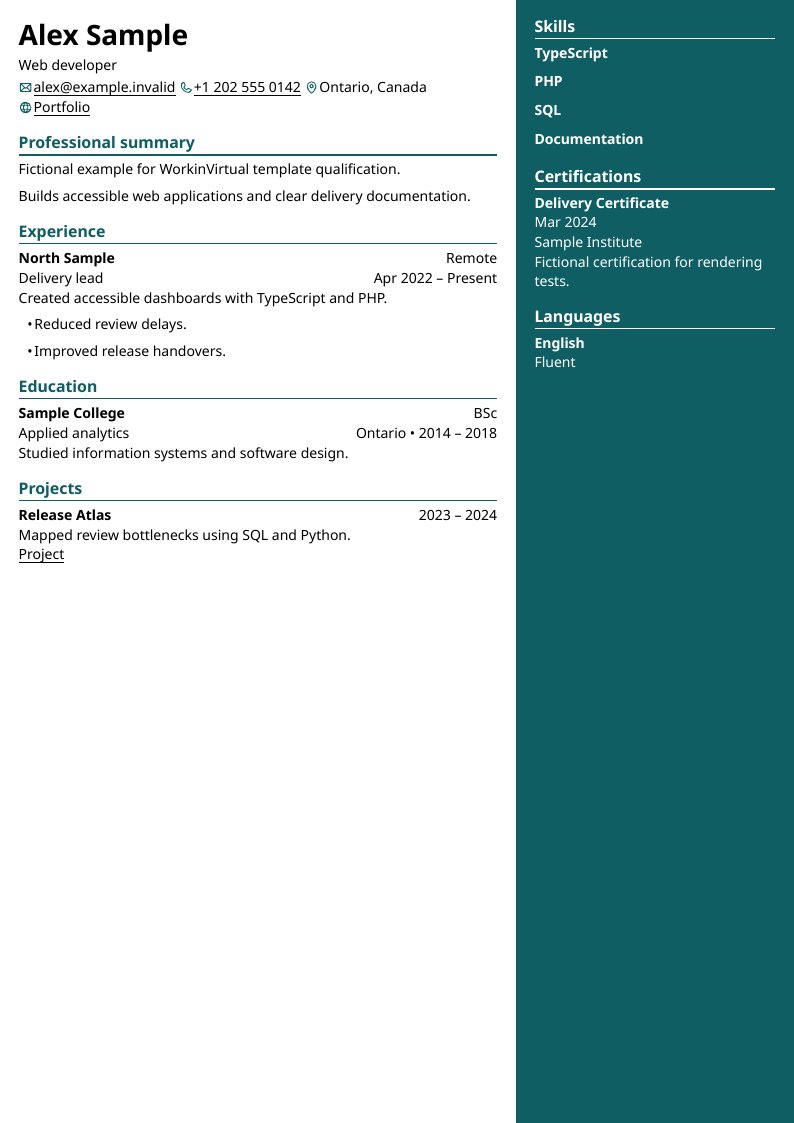
Horizon
A two-column layout for separating tools and capabilities from a detailed role history.
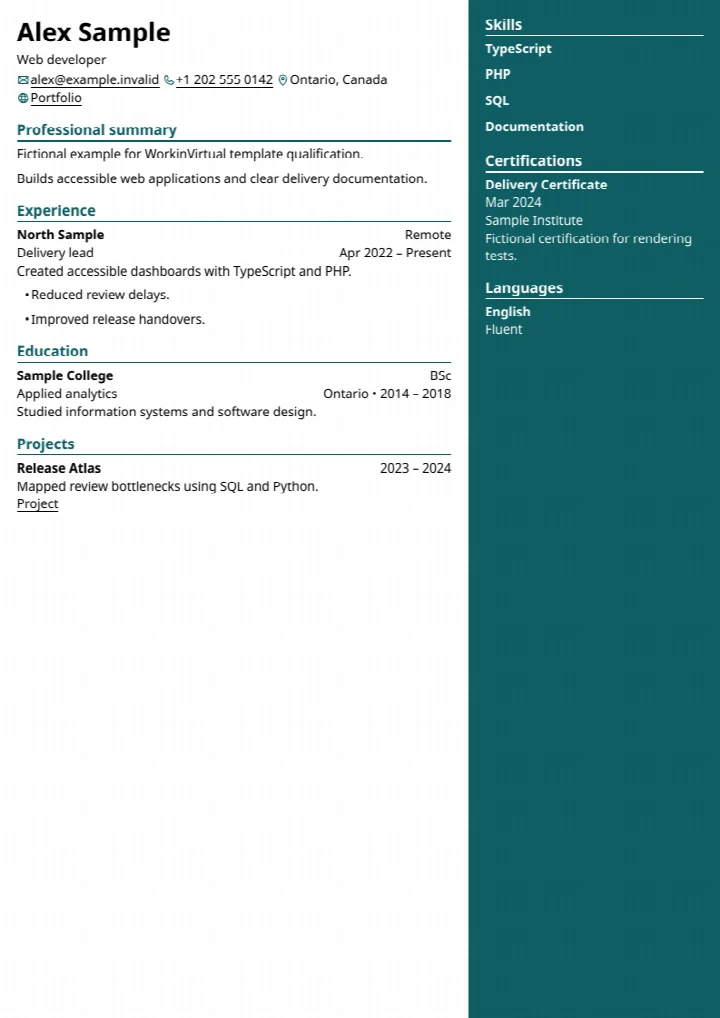 View full-size Horizon preview
Cornerstone
A classic layout for showing a clear progression of jobs or promotions.
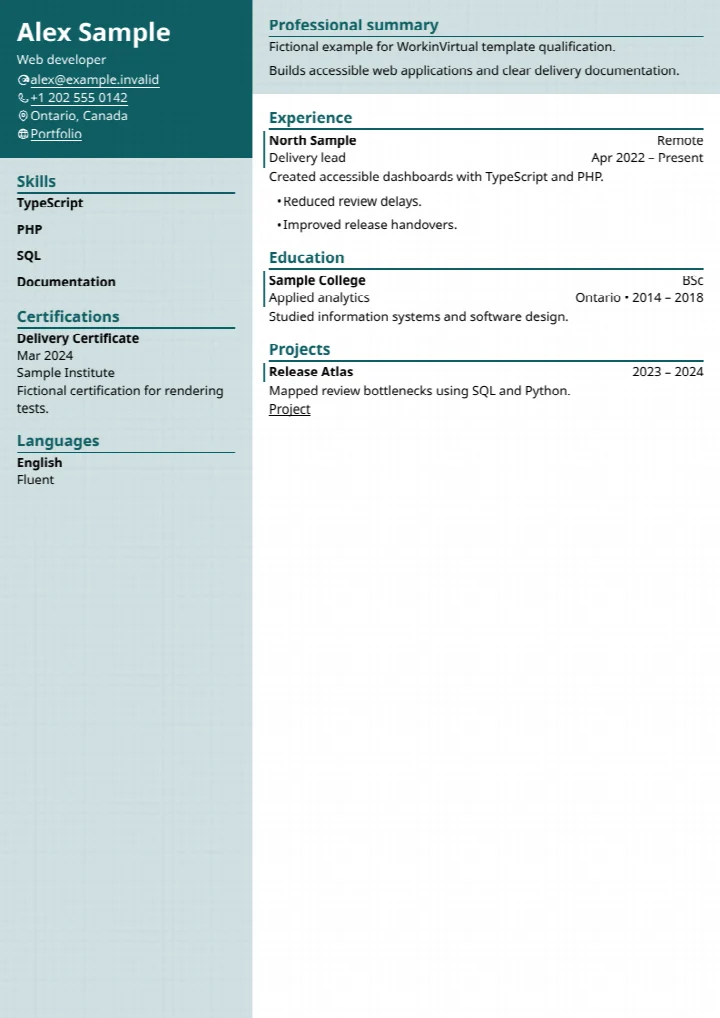 View full-size Cornerstone preview
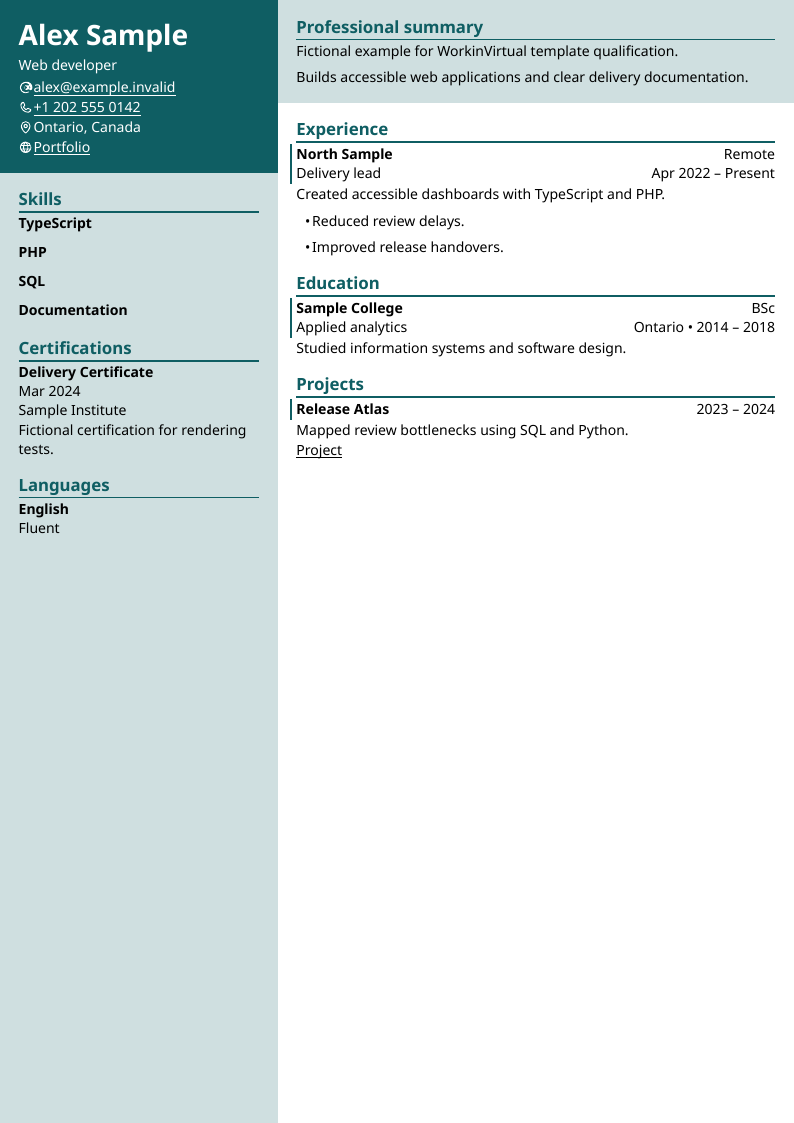
Balance
A structured layout for keeping a summary, selected skills and recent work easy to scan.
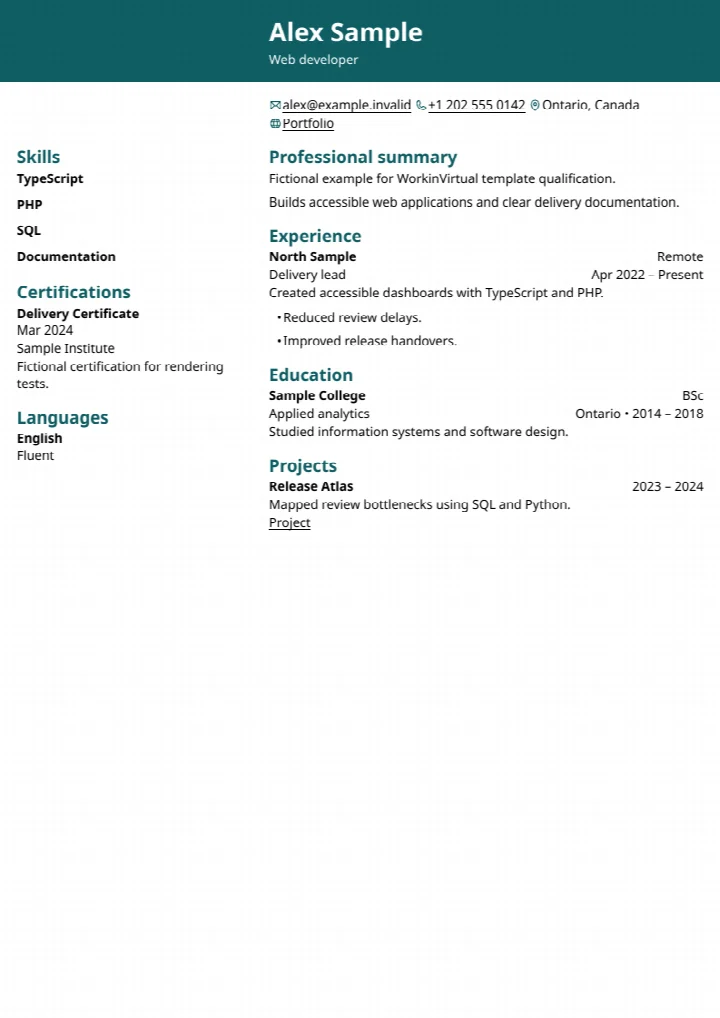 View full-size Balance preview
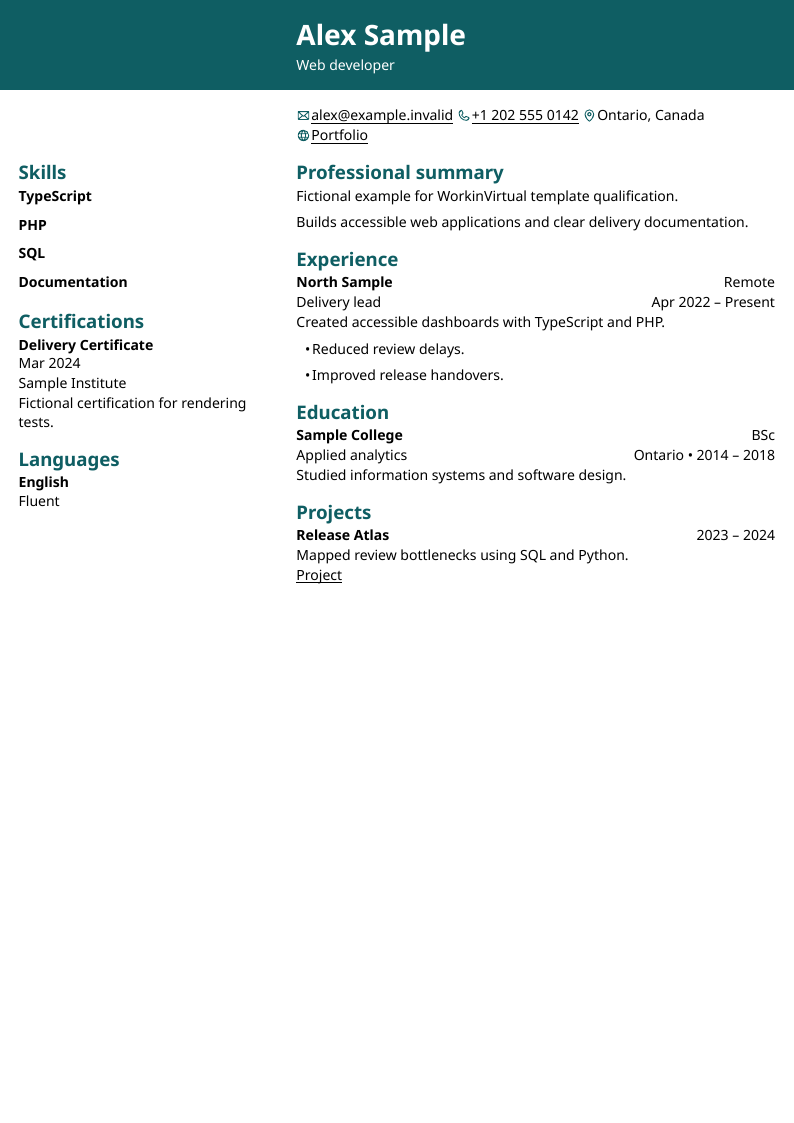
Slate
A restrained layout for making technical experience and measurable accomplishments stand out.
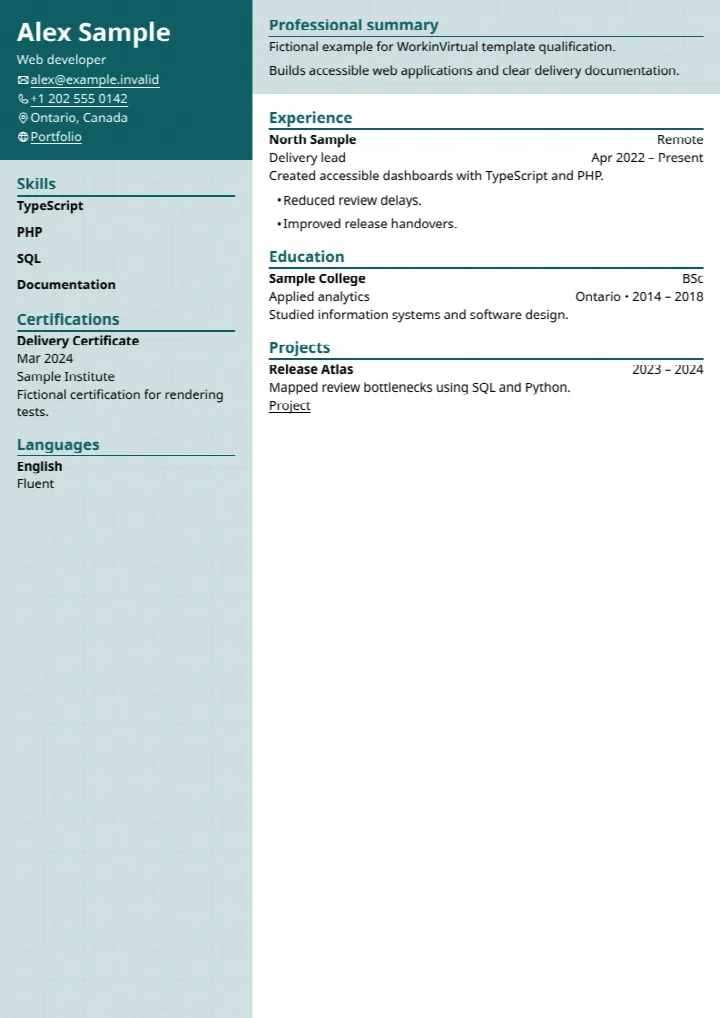 View full-size Slate preview
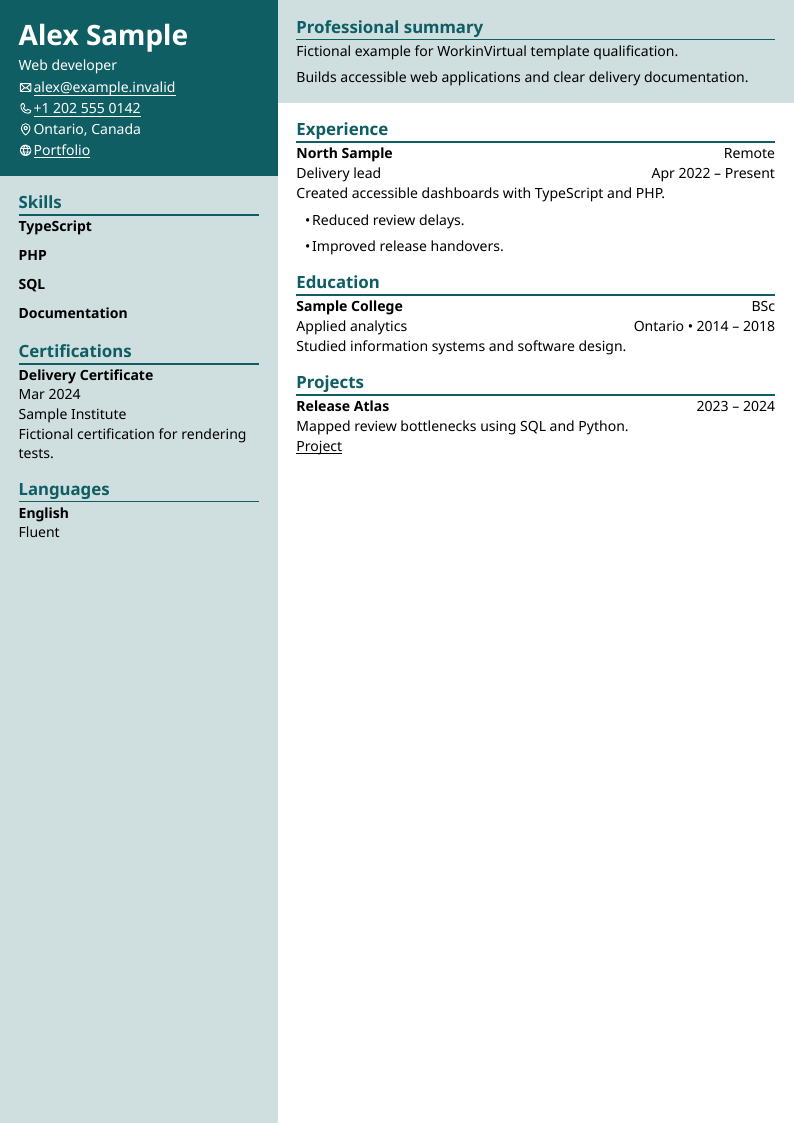
Choose a layout for the role
Start with the job description. Use a single-column layout if you want your work history read in sequence. A two-column layout can keep a short skills list visible alongside recent roles. Before applying, open the downloaded file and check that the text is readable and the page breaks work.